Captivate your Virtual Event Audience with RumbleTalk Social Chat

Social chats are one of the most underutilized tools in the modern virtual event planner’s toolkit. But, having a social chat is also one of the biggest payoffs in terms of engaging attendees and helping you plan your event.

When it comes to conferences, meetings, and webinars, it’s not enough to just have great content anymore. Today’s virtual event attendees expect more. Users want to be able to interact with you, your speakers, and other attendees while they’re watching the live stream or during breaks in the webinar. A key way to do this is to incorporate RumbleTalk’s Social Chat feature into your virtual event strategy.

At RumbleTalk, we believe that your Virtual Event shouldn’t only be engaging while it’s live. Moreover, it should give your audience something they can take away and share with their community when it ends as well!

What is a Social Group Chat?

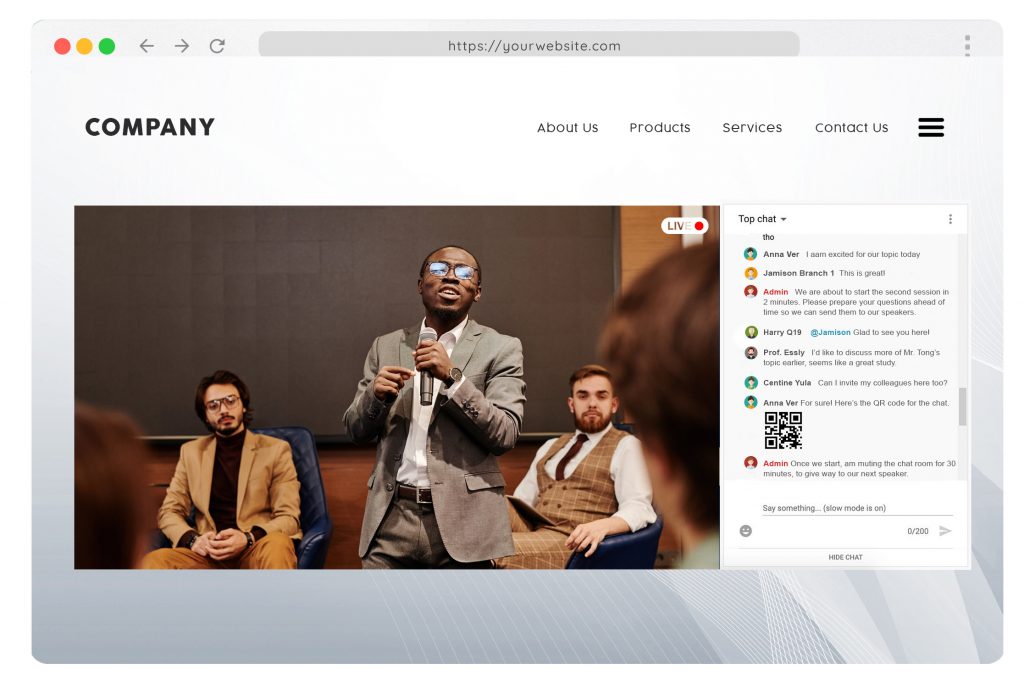
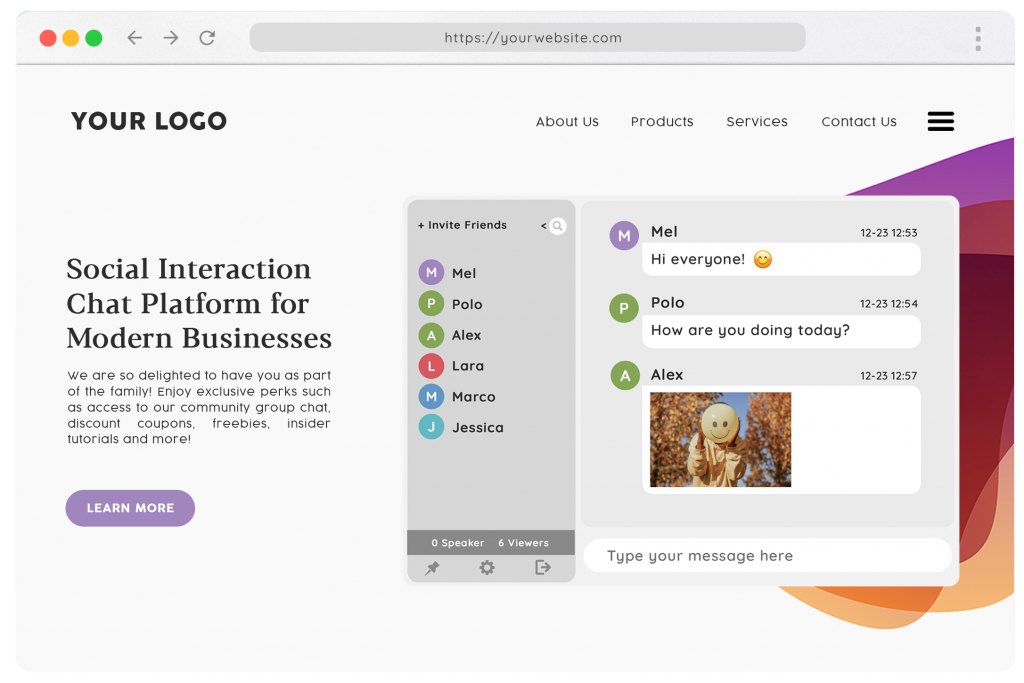
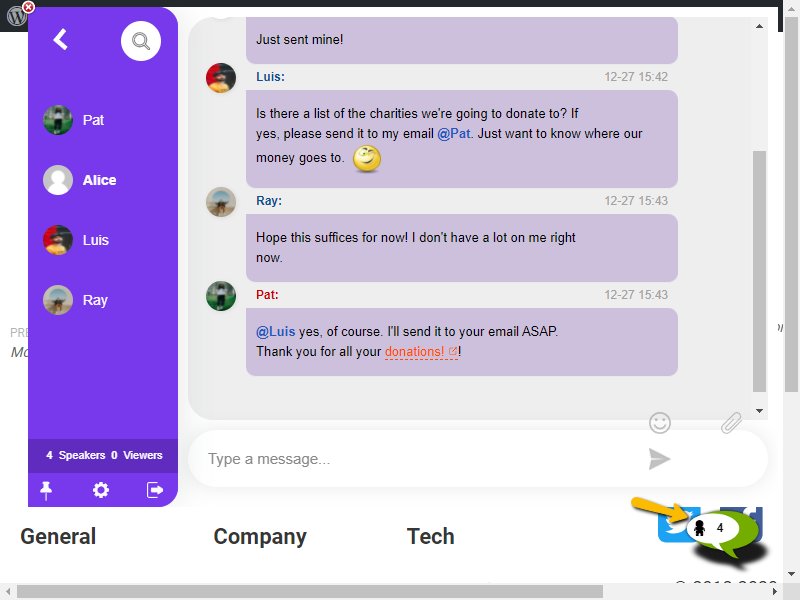
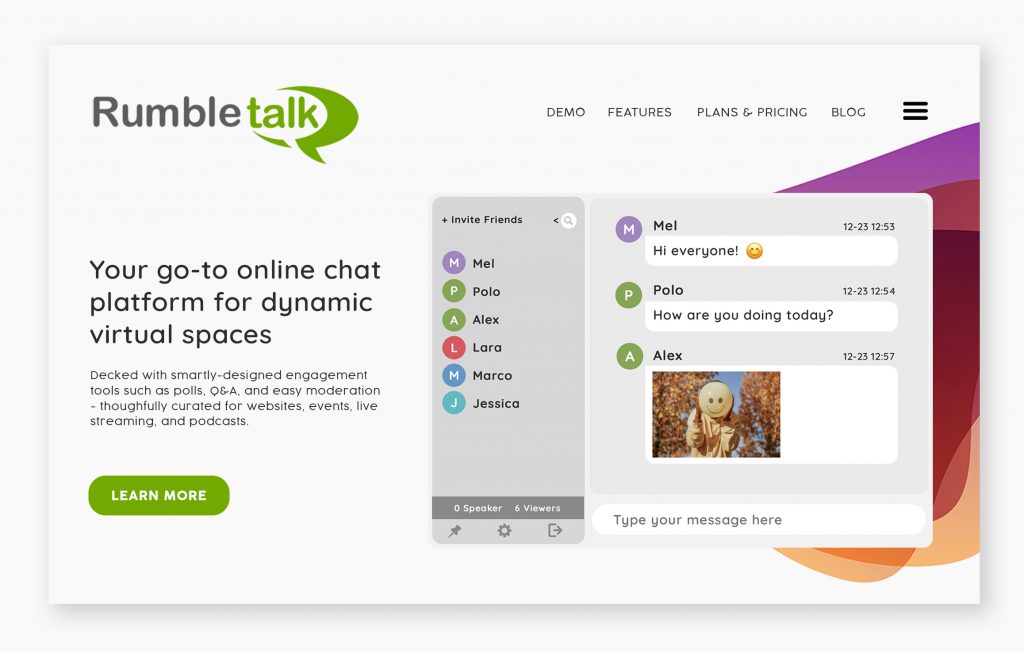
Social Chat is one of the 6 Chat Types that RumbleTalk offers. It is a public group chat where everyone is free to join the conversation. Everyone in the chat can talk to each other. Perfect for exchanging ideas in a community, open discussions in a virtual event, or simply a group chat within your business website where people can hang out.

social chat

Although it’s a public space, it is fully encrypted, meaning it’s completely safe, secure. So, you can assure your participants that every conversation is within a healthy virtual space.

Features and Functions

Social Chat is brimming with all the engagement tools you will need. Check them out below:

  1. Multiple Social Chats – Create one or more social chat rooms for communities with multiple, simultaneous conversations or those with managing more than one online community.
  2. Customize your Social Chat – Personalize your chat based on your website or event theme. There are default skins available, or you can use CSS to completely change your chat room’s to look and feel.
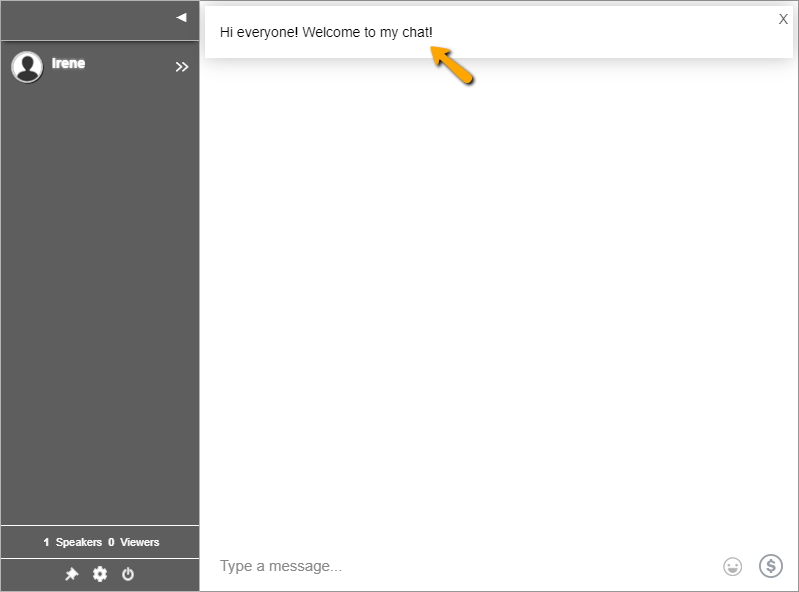
  3. Add a Welcome Message – Add a message pop up to warmly welcome your audience once they enter the room.
  4. Moderated Q&A – Further improve the interaction between you and your audience by allowing them to ask questions in the chat.
  5. Video and Audio Calls – Aside from sending text messages, you can also make video and audio calls in the chat without having to install anything.
  6. Mentions – Tag someone in the chat to get their attention.
  7. Keywords – Turn words into links that will lead your audience to the designated webpage, downloadable file, online form, video, and more.
  8. Play Youtube videos – Just paste the video link into the chat and anyone can watch it from there.
  9. Multimedia Sharing – From documents and presentations to photos and video files, conveniently share anything in the chat.
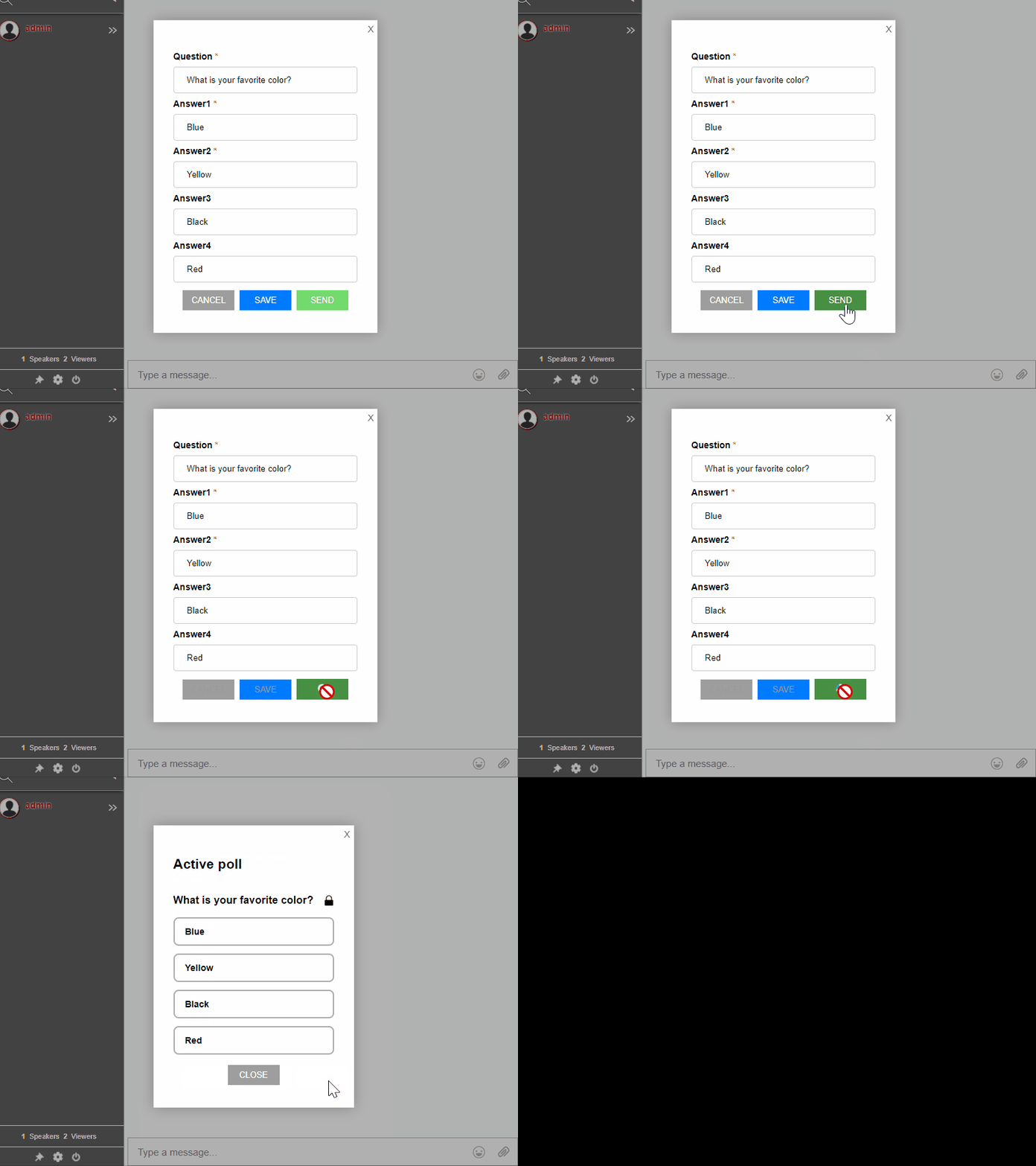
  10. Polls – Let your participants weigh in on the topic by getting their opinion through this feature.
social chat

Other features that make RumbleTalk unique

  1. HTML5 – Our chats are built with HTML5, which means the chat will work on any browser and can be easily customized to fit your website’s design.
  2. WebRTC – We use the latest WebRTC technology to make live audio and video calls possible, even without extra plugins, installation, or add-ons.
  3. Restful API for easy integration – Seamlessly embed this powerful chat platform on your site using our integrations, add-ons, and chat plugins. Available for WordPress, Wix, Joomla, Angular, and React.
  4. RumbleTalk Pages – If you don’t have your own website or event page. You can use RumbleTalk Pages to create your own, personalized mini-website.

Set up your RumbleTalk Social Chat

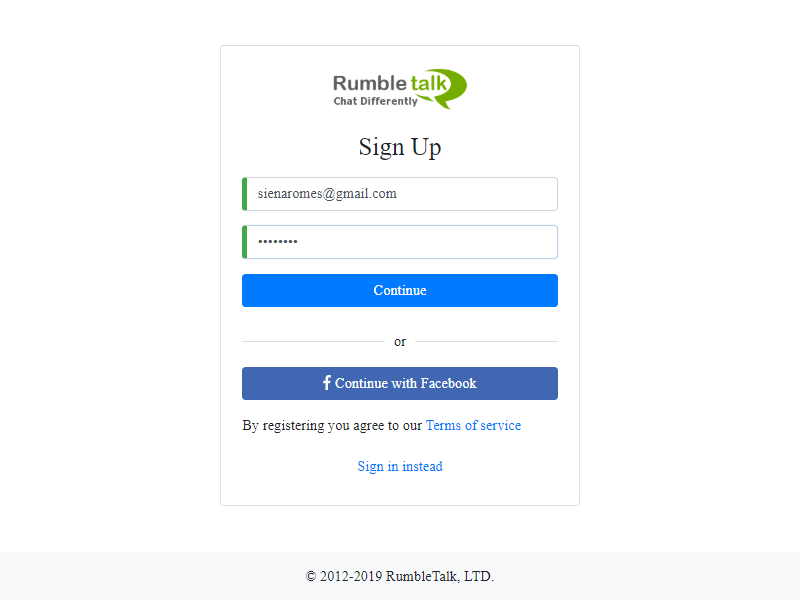
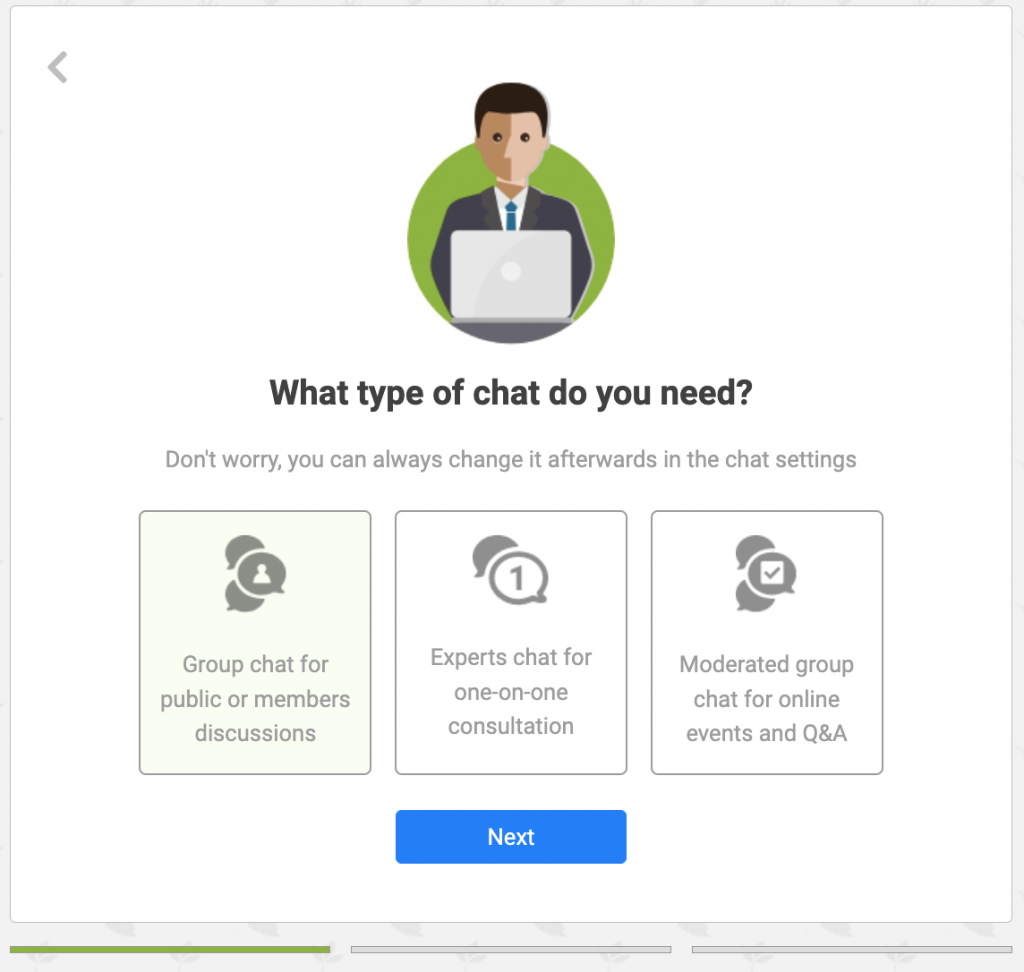
To get started, simply create your free account, choose Social Chat, invite your audience, and you’re good to go! If you need a detailed guide, here’s the step-by-step instruction on how to set up your account.

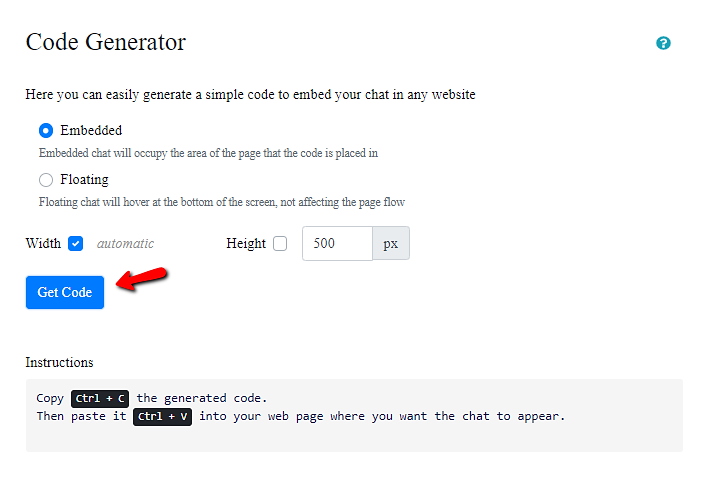
You can also opt to embed your chat room on your website. From the chat settings, just copy the provided one line of code and paste it into your website back end.

If you need to customize your plan, set up a demo call, or discuss anything else, send us a message at support@rumbletalk.com.

Group chat for engagement and interaction in your communities

One of our goals has always been to help businesses add more value and interactivity to their websites and events. That’s why we created RumbleTalk Social Chat—it enables you to engage online attendees while they are still logged in and engaged on your virtual event. Furthermore, it also facilitates multiple conversations among groups of people that might not otherwise have a chance to connect. This makes it truly a perfect way to improve your audiences’ overall experience.

Check out our updates on our Facebook and Instagram pages.

What is a group chat and where can you use it?

Group chatting has grown in popularity in recent years. Since the internet has become a popular pastime and daily activity, adding a group chat to your website is as easy as copying and pasting. It involves your community, audience, and event attendees in a live event.

So, what’s the point of a group chat?

A group chat is a type of web chat that can be embedded into any website. There is no need to install any software. What exactly do you need to do? Simply copy and paste the pre-generated code. It’s really that simple.

So, what are the various characteristics to look for in a good website group chat? Let’s take a look.

What should you look for in a group chat

According to the above description, a group chat must be customizable. It should allow you to connect your userbase (via JS SDK), assign moderators, customize your chat design, and so on. Group chats are at the top of their game when combined with an easy-to-use interface.

What are the distinctions between group chats and third-party apps?

  • It is not server-based.
  • No download is required.
  • Appoint moderators and choose whether to give them global access or room access only.
  • Have a variety of chat types available.
  • Make private, membership, or community chats.
  • There will be no software updates that will consume your storage space.
  • Connect your userbase using REST API or JS SDK.

So, based on the features listed above, embedding a group chat is a step above using a third-party app. If you’re still not convinced, try out the RumbleTalk group chat.

What can you do with your group chat platform?

What are the most important features to look for in a group chat platform, and what are the benefits? You can use this list as a starting point.

1. User interface for novices

Because we aren’t all digitaly savvy, your group chat should have an admin panel where you can find all of the options and settings you need for your chat.

In addition, the UI should be user-friendly. As a result, if you’re looking for a specific setting, it should be simple to find. Finally, your group chat should have an admin panel.

Chat owners use this to control the chat. This is beneficial to both chatters and chat owners. To fully enjoy their web chatting experience, ensure that it also has a good chat interface.

2. Customization on point

Because you’re using it for a website, it’s preferable if you can match it to the theme of your site. So, a group chat platform should have a variety of themes, skins, and CSS features where you can inject codes to customize your chat.

group chat

You should be able to customize your chat font and font size, as well as the background, background color, and other aspects. The options are endless.

If you have more advanced know-how, try your hand at CSS. It can significantly alter the appearance and functionality of your chat and improve your web chatting experience.

Here are some CSS codes for your chat room.

3. Simple to embed on any platform

Select a platform that generates embed codes for you so you don’t have to create your own. Then, to begin chatting, simply copy and paste the code onto your website.

4. A plethora of features

These are just a few of the advantages of using a web chatting platform. When you sign up, you will have access to additional features.

More information can be found in this article: Overview of Main Chat Types and Features

How to include a group chat on your website

The embed code will be generated for you when you sign up for the RumbleTalk platform. It will be easier to embed the platform on your site this way.

As a result, no technical knowledge is required. All you have to do is follow the instructions.

Before generating the code, you can modify the settings, such as the size of your chat. In addition, you have two options for where your chat will appear on your site: Embedded or Floating.

Here’s how they appear. The first is the chat that is embedded.

hosted group chat

The floating chat is the second.

group chat

NOTE: Because the embedded chat is elastic, it will take up the entire space on your page (anywhere you position it). The floating chat will appear in the left or right corner of your page, not disrupting your chat style.

Include it on any website and use it as an HTML chat or a chat plugin.

Check: RumbleTalk Chat: Explore All Integration Instructions

It’s more than just a chat room on the internet

A group chat platform includes all of the features you’ll need for your website. It’s not just for websites; it’s for both mobile and web browsers. Also, use it to fully enjoy virtual gatherings, conventions, and other events.

Visit the website right now to learn more about the RumbleTalk platform. You can also talk to us directly for a demo.

New Feature: Slow Down Chat

Have you been waiting a long time? There’s a new feature available on the RumbleTalk admin panel. It’s called the slow down chat.

Ever thought about limiting messages that come in the chat room? Here’s where the feature shines. Let’s know more about the new feature on the next points.

What is the slow down chat feature?

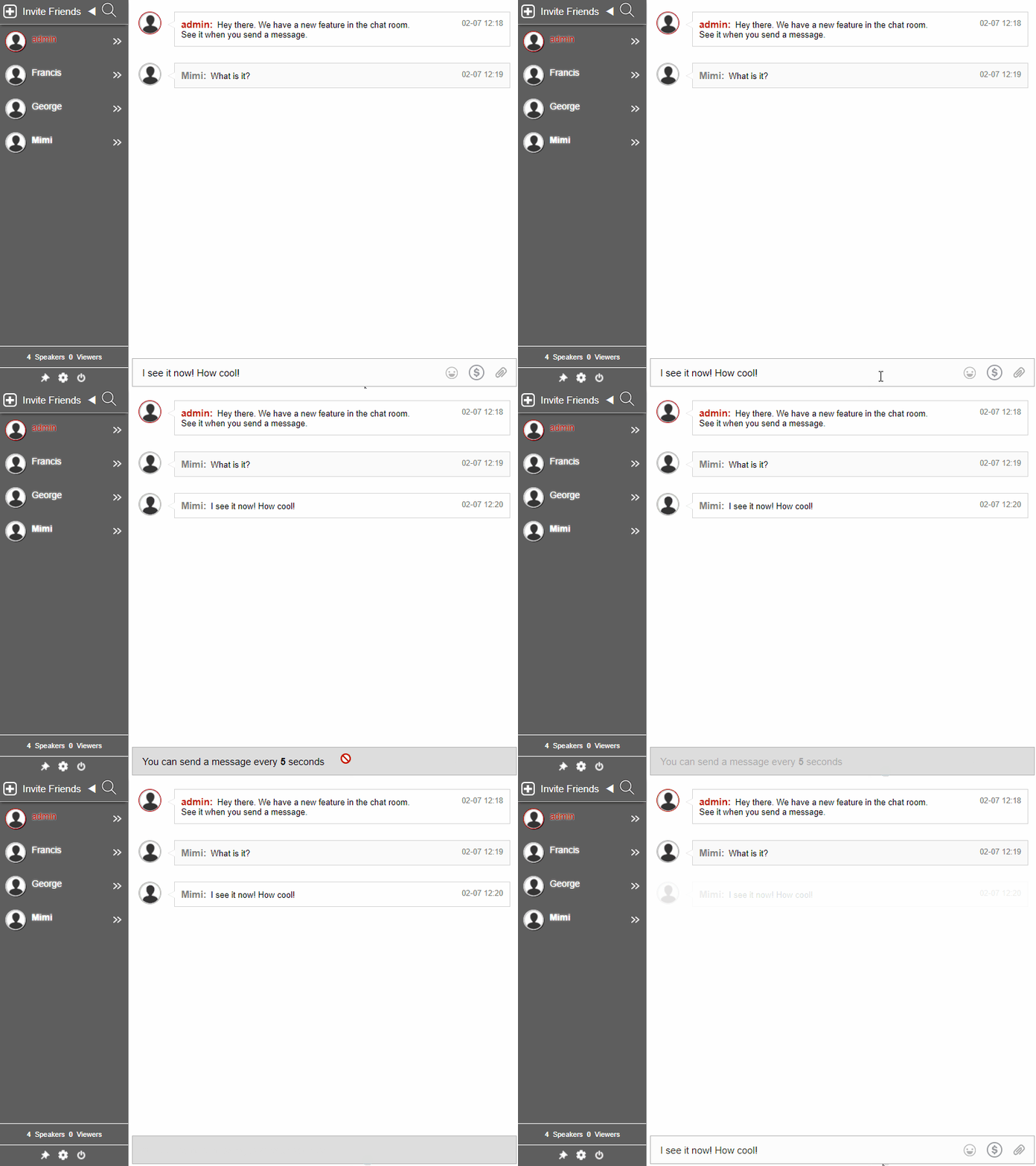
The slow down chat is a feature that lets you limit the number of messages sent in the chat room. For instance, a user has sent a message in the chat. If you want, you can limit each user to being able to send a message in 5-second intervals. This lets you moderate the chat in a way that not too many messages will come in the chat simultaneously.

How do you set it up?

To set up the feature, you can follow these steps.

slow down chat
  1. Sign up to RumbleTalk. Then, login to your admin panel.
  2. Go to General > Advanced.
  3. Scroll down and click Limit sending of messages every second(s).
  4. Set the time interval.

NOTE: You can also enable it for the private chat (in the Group Chat).

Now, the chat will refresh and all messages from non-admin users will have a limit. Admins can still send messages normally.

slow down chat

Why the need to slow down the chat?

The feature can be helpful for the following scenarios:

  • Limit the number of spam messages;
  • Limit the number of messages a user can send at a time so the chat room will not be full of messages;
  • Limit an individual’s sent messages so that others can also insert their opinions;
  • Help monitor the chat room as a whole (makes it easier for the admins to moderate the chat).

More features you can play with

Interested in these kinds of features? When you visit our blog, you can scroll through the articles and find our latest features. In addition, you can follow our social media pages (Facebook and Twitter) where you can see tips and tricks and get constantly updated.