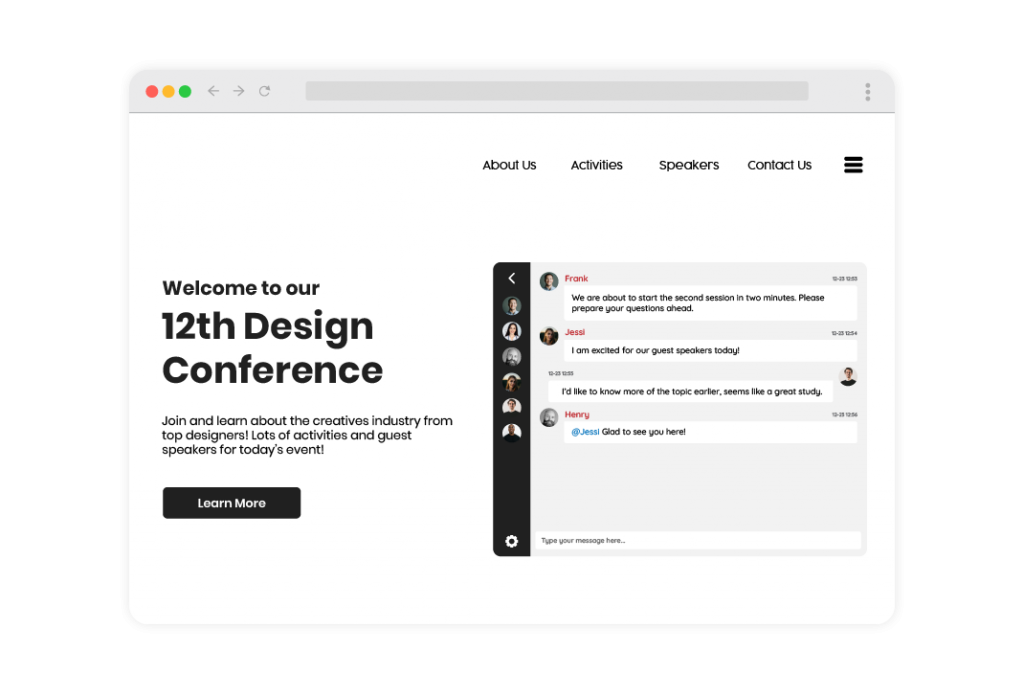
Multiple chat rooms for multiple companies in a virtual job fair

A virtual job fair is an effective means of connecting job seekers with potential employers. All while also saving companies money on their recruiting efforts.

However, one challenge that many virtual job fair organizers face is the time and expense of connecting hundreds of companies with thousands of job seekers. You’ll need an event chat room, a private chat room, file sharing tools for documents, admin functions to moderate discussions, and more.

In this article, we’ll show you how RumbleTalk can seamlessly integrate all of these features in one powerful platform.

What is a virtual job fair?

A virtual job fair is an online event that allows companies and candidates to interact with each other in real-time. With its growing popularity, plugins that support the needs of online job fair organizers are also continuously innovating. But what makes RumbleTalk different?

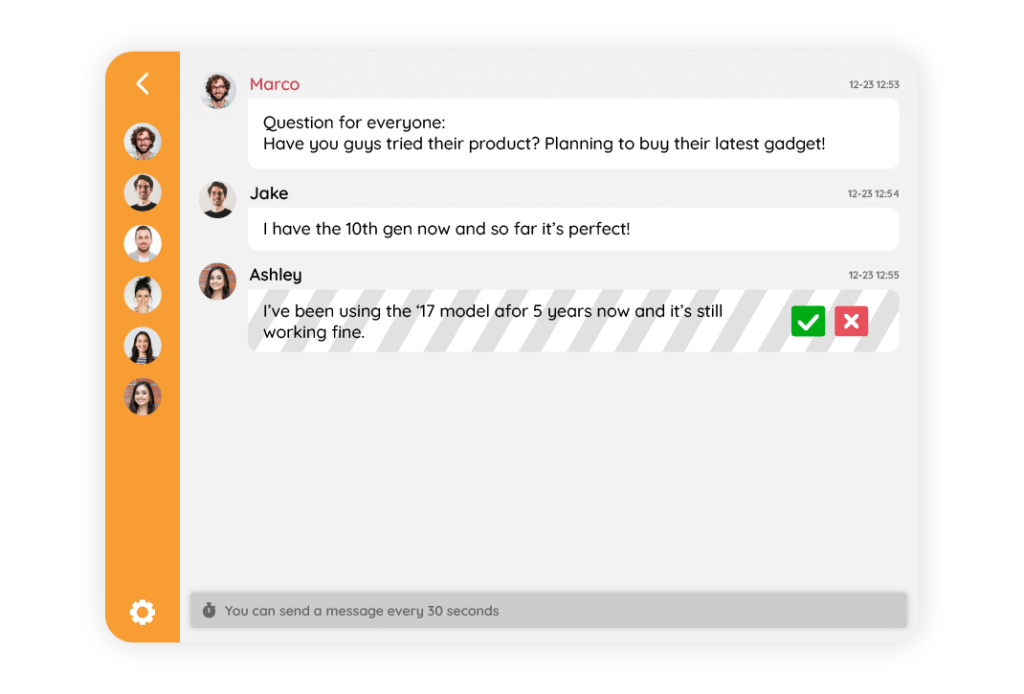
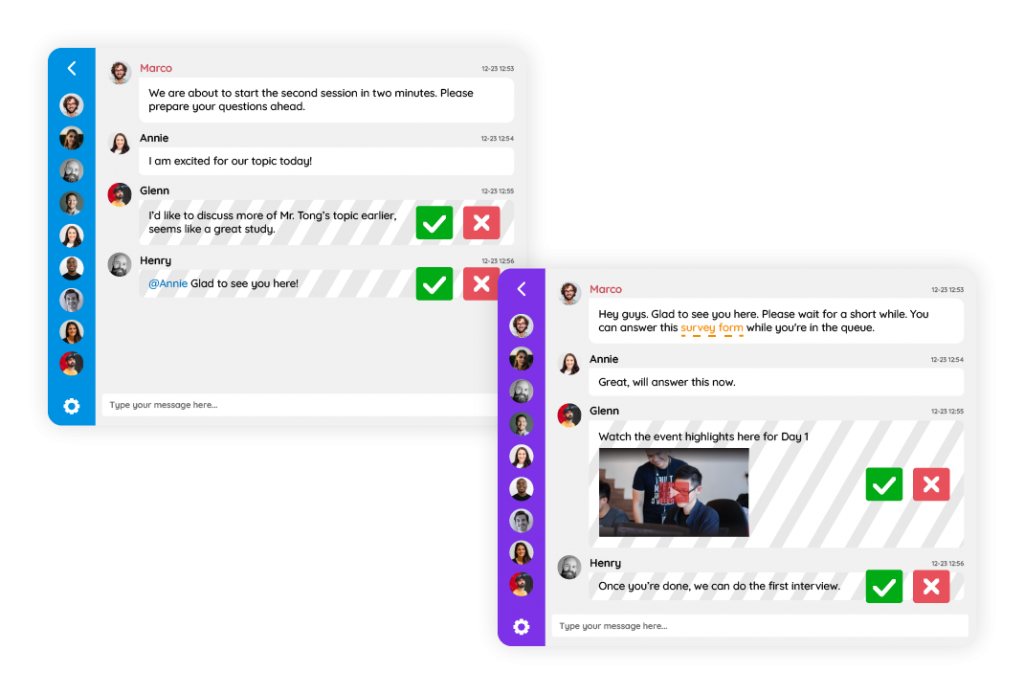
First, it allows you to create multiple chat rooms that will serve as company booths. Second, it has a Moderated Q&A feature, which allows you to screen messages before it goes live. Finally, it is packed with all the engagement tools and support you need for seamless operations and a flawless experience for your clients.

Why do I need multiple chat rooms for my virtual job fair?

Imagine a virtual job fair with only one public chat. How can you reach your prospects? How can potential candidates send their resumes to companies? To some, it might be pointless to attend a job fair without real-time interaction with the specific people you want to talk to.

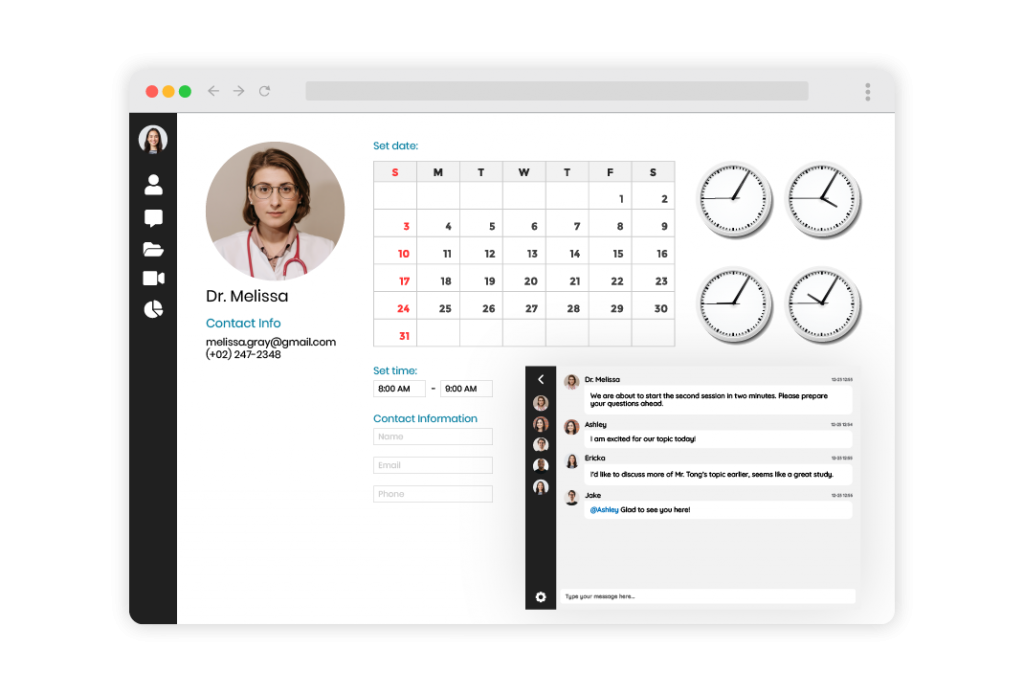
So, RumbleTalk made a way to bridge this gap. How? By allowing organizers to create multiple chat rooms. One chat room for every company, just like a virtual booth. This is a space where candidates can come in, send in their profiles, and have one-on-one interviews with the hiring officers. It’s incredibly convenient for both the company and the candidate.

Read through the steps below to learn how to create multiple chat rooms for your virtual job fair.

Create an account in RumbleTalk

If you already have an existing RumbleTalk account, skip to the next step.

If you want to create an account:

  1. Go to the homepage.

2. Click on the Create an account button at the top right corner. Fill up the details.

Create your chat rooms

3. On your Admin Panel, click on Selected chat in the upper left corner.

4. Then, click Create a new chat room.

5. Enter the name of the new chat room, then click Create.

Note: The number of chat rooms you can create depends on your account plan. You can easily add more chat rooms to your plan here.

Customize each chat room

6. On your admin panel, click on Design.

Under Visual Design, you can customize the general layout of your chat, colors, and fonts. You can also put your CSS code here.

Under Skins, you can choose your preferred look in the library of pre-made themes. You can use them as is, or tweak the settings to truly capture your desired look.

Note: When choosing a new skin, part of your old style settings will be deleted. So if you uploaded your own custom image, please make sure you have it backed up before changing to a new skin.

An effecient tool to host and manage your virtual job fair

Chat is a way of doing things faster, without all those annoying emails back and forth and meetings that drag on forever. With RumbleTalk, companies can screen, interview, and hire potential candidates all in one cohesive platform.

If you want to try this essential chat plugin, send us a message at support@rumbletalk.com. We’d be glad to help you set up your event chat too!
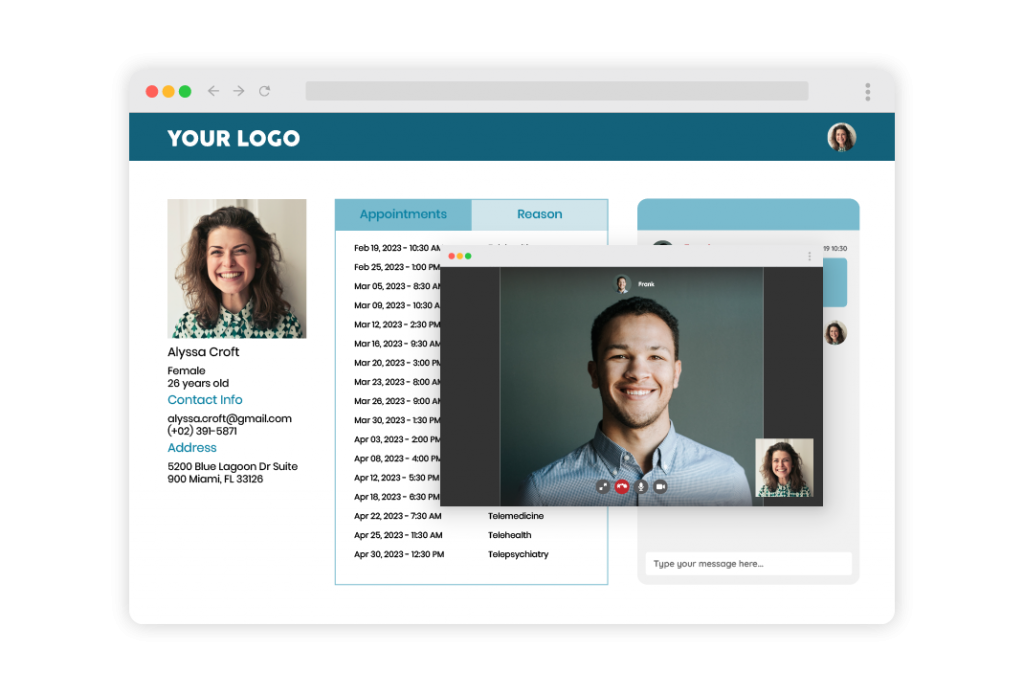
How can a group chat room help in gathering website visitors?

A chat is a great way to interact with visitors to your website. Website visitors who are engaged are more likely to spend more time on your site.

Assume a visitor arrived at your site via Google. If a visitor leaves your site and returns to the search, then search engines will notice. This indicates that the visitor was dissatisfied with your website. On the other hand, if the visitor remains on your site, then it is likely that he or she found something of interest.

SEO experts have discovered that this type of user behavior is an important ranking factor.

As a result, it is critical to engage and retain your website visitors. A chat feature is a great way to achieve this.

How does it increase traffic?

There are three ways that a chat room or group chat can increase traffic.

  • People in your chat room will share conversation pieces on Twitter or Facebook.
  • Chatters on your website will be able to invite more people to join the conversation.
  • SEO – you can download the chat transcript, clean it up, and then embed it on your website. Google will then scan the data and rank your overall website higher.
  • Chatters have a higher chance of staying longer because they’re engaged in a conversation within your website.

Assume you own a radio station and are having a discussion about basketball. At the end of the conversation, you can save it as an HTML, Excel, or Word file and add it to your website.

Furthermore, while conversing, each chatter can invite friends and share every message on Facebook or Twitter.

Allow your audience to attract more website visitors

website visitors

RumbleTalk offers two page boosters to help you gain a larger audience and spread the word through social media. These two methods are inviting friends and sharing chat content.

  • Invite friends to chat: Your chatters can invite their friends to join the conversation. They have the option of inviting their Facebook friends or Twitter followers.
hybrid events
  • Share chat content on social media: Your chatters can send snippets of the conversation to their friends by exporting the chat transcript.

Group chats and more

A chat room can be added to any page or blog. Some use it for support, others for communities, and mostly for business.

Here are some great ways to use a group chat:

  • Group Discussions – Including a chat box on a page is an excellent way to promote discussion during a live show or event. Chat boxes are used by many radio shows, live bloggers, live podcasters, reading book groups, and live streaming pages.
  • Social Trading – Previously, technology was the only way to do stock trading. However, over the years, a new concept has emerged: social trading for “Humans.” It primarily consists of a social chat and forum where professionals trade while chatting and sharing images and videos in the chat. For traders, group chat has become an indispensable tool.
  • Online Events – There are numerous online events available (even on social media). A group chat is one of the best ways to “feel” your audience. For example, during a pre-launch of a well-known book, the author revealed chapters of the book to his audience via group chat. The chat was an important tool in this event for gauging readers’ reaction to the new book.
  • Educational Chat – Including a chat feature in a virtual classroom makes it more appealing to students. The ability to include images and videos only enhances the experience. Here’s an example of how you can use it on Google Classroom.

Group chat rooms and how they increase website visitors

People are now aware that having a social chat on your page provides an additional reason for users to return to your page. Set events and ask your audience questions to encourage engagement and allow them to express themselves freely.

If you need a chat room for your website, then check out RumbleTalk. We provide free demos. Just send us a message at support@rumbletalk.com and we’ll gladly give you one!

The Impact of Live Chatting with your Customers

How should you evaluate and prioritize opportunities that can improve the user experience and create more value for visitors? Which of the dozens of options will keep your brand competitive while also impacting the bottom line and supporting sales? Among the various methods for attracting leads and customer conversion, live chatting is an essential component of your marketing strategy. According to studies, live chat boosts conversion by 20% and yields a 305% overall return on investment.

While traditionally used as a B2C conversion tactic, evidence indicates that all consumers ultimately behave the same way. As a result, B2B businesses will see a similar ROI when implementing this support channel. Why is live chat such an important part of generating sales-ready leads? Read on.

Educate throughout the buyer’s journey

live chatting

Customer education is the foundation of modern marketing. The ability of live chat to answer questions creates a more personalized purchasing experience. This content personalization, which includes a live chat expert overcoming specific objections and redirecting the lead to highly targeted content (such as product pages or blog articles), can fill gaps and accelerate the buyer’s journey. Using content through live chat can help with conversion in ways similar to sales enablement.

A live chat platform like RumbleTalk can aid in connecting with a buyer. Through various chat types, you can choose the one that fits your business. Here’s how you can set it up.

virtual conference
  1. Sign up for a RumbleTalk account.
  2. Choose a chat type.
  3. Open your admin panel and click Embed.
  4. Copy the pre-generated code and paste it on your website.

It’s up to you what size you want the live chat to be and where it would appear on your site. RumbleTalk is easily customizable with advanced design options and CSS.

With various live chatting features such as calls, polls, and admin mode, customers will have no problem getting in touch with an agent. It’s a company’s best friend when it comes to live chat rooms.

Build trust and rapport

Decision makers and their teams conduct online searches to first comprehend their problem and then assess its ultimate solution. Live chat can increase buyer confidence as they progress. When a potential customer is unsure about the details of your offer, providing an immediate response to questions will help you establish yourself as an authority and trusted partner.

According to a survey, 77% of live chat users agree that chat tools positively improve their attitude toward the company with which they interact online.

The impact of live chatting on ROI

The impact of any tool on the bottom line ultimately drives the implementation decision. While live chatting can help with the buyer’s journey, it’s also important to include it in your technology stack as a way to charm current customers and create brand missionaries. Live chat, for example, has been shown to help in the following ways:

  • Reducing overall customer service costs by quickly resolving questions.
  • Reducing phone expenses.
  • Creating a platform to manage multiple conversations concurrently. Rather than managing support escalations over the phone, this reduces chat support burnout.
  • Improving the website experience, which causes customers to return.

Regardless of the benefits of live chat, this channel’s success will depend upon the vendor that delivers the service. The quality of agents and system features is a critical method of ensuring the benefits outlined in this article.

If you’re considering adding a live chat platform to your business site, then send us a message at support@rumbletalk.com. We’re offering a free demo to interested parties.
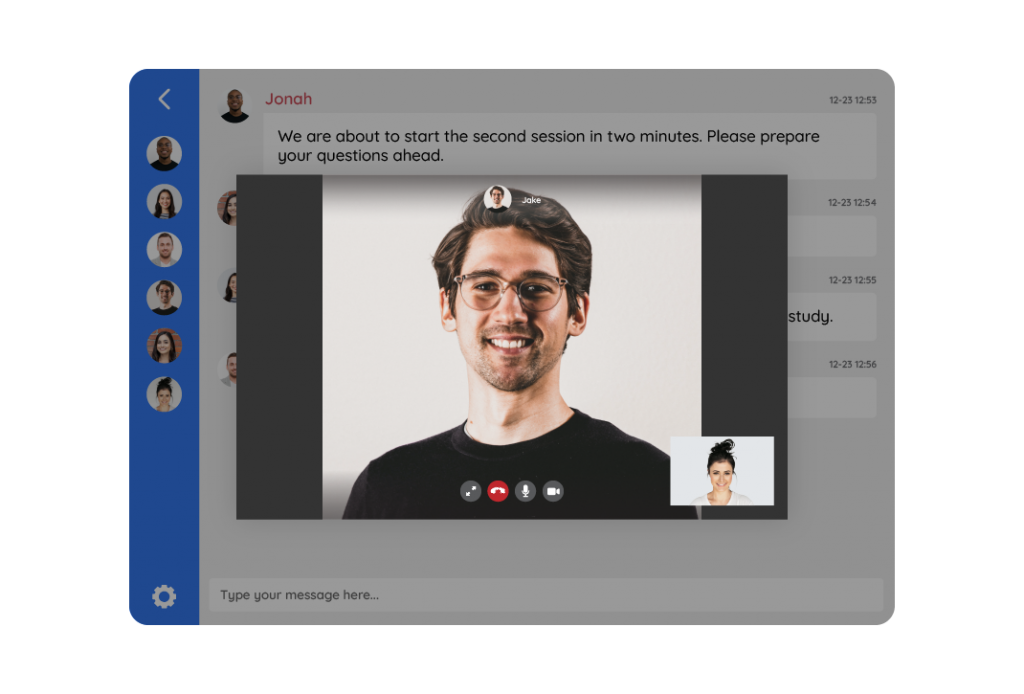
You may also check out our social media channels (Facebook, Twitter, Instagram) where we post snippets of how the platform works.