Upon the strike of the pandemic, the whole world was forced to interact in virtual spaces. This includes office jobs, grocery and shopping, meetings, events and even the students taking lessons. One of the biggest online platforms in the e-learning space was Google Classroom. This allows many schools all over the world to build their online learning platform for classes.
The missing piece in Google Classroom
Although this platform has been one of the backbones when it comes to online classes, somehow, there is one missing feature that can complete the Google Classroom space – chat sessions.
One way for students and teachers to interact within Google Classrooms is via Zoom Meeting or Google Meet sessions. However, these two ways of communicating are mainly established for large video conferences, so often they will be set up in a group setting.
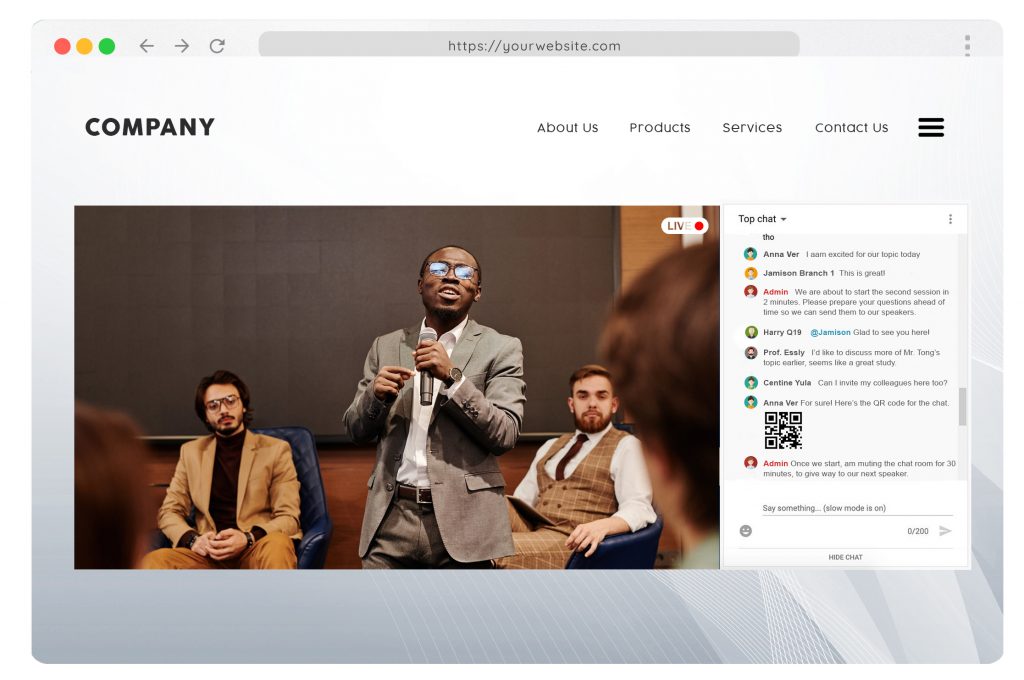
This is where RumbleTalk comes in handy. RumbleTalk is a group chat platform that is mostly used by website owners to create and embed their own group chat platforms on their own websites. We have been around since 2011, catering to many huge event companies, including Fortune 500 companies. RumbleTalk Chat is used for events, online communities, business websites, job fairs, and school websites.
How RumbleTalk completes the Google Classroom experience
Since the pandemic started, growth in the demand for virtual spaces has taken its toll. Something we have noticed is that many virtual class platforms have taken an interest in using RumbleTalk for their own classes because of several reasons:
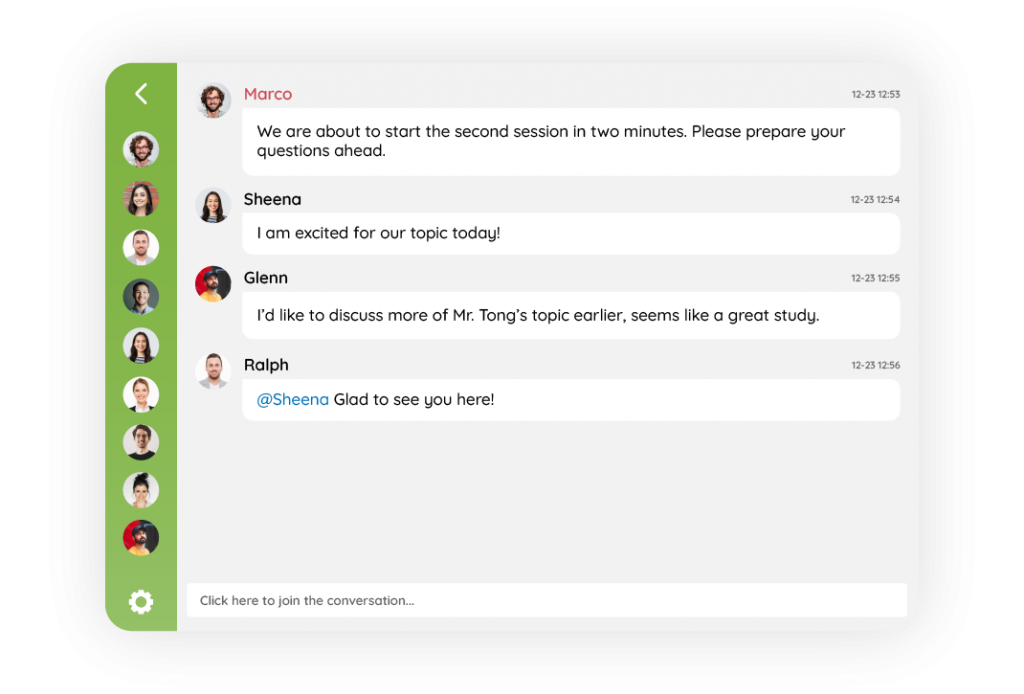
- Easy-to-setup classroom chat
- Private one-on-one chat rooms
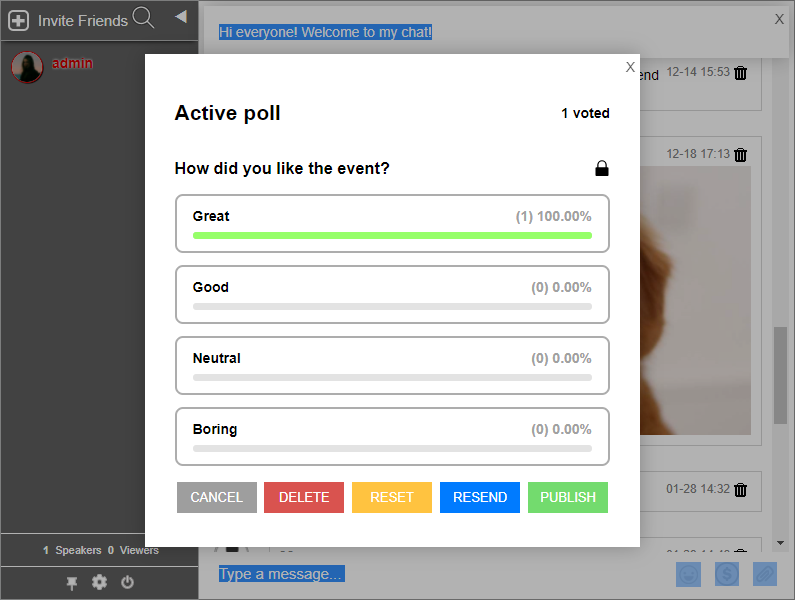
- Moderated Chat (Question and Answer Sessions)
- One-on-one Video/Audio Call features
Setting Up and Sharing RumbleTalk chat to your Google Classroom
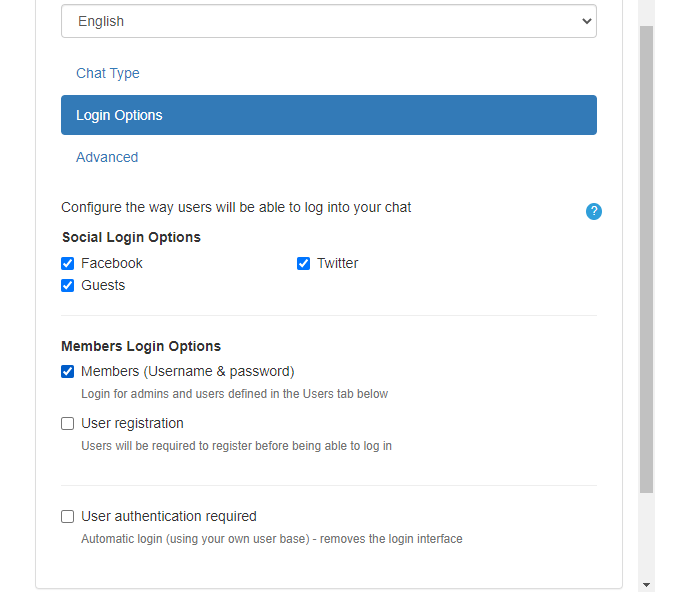
- Sign up for a RumbleTalk Group chat platform Account.
- Visit www.rumbletalk.com and create/register for a free account
2. Once you are in the admin panel, you will find the actual chat you could share with your Google Classroom Stream.
- You will find the hash code below the chat. This will be a link to the actual chat, which you can share to your Google Classroom stream.
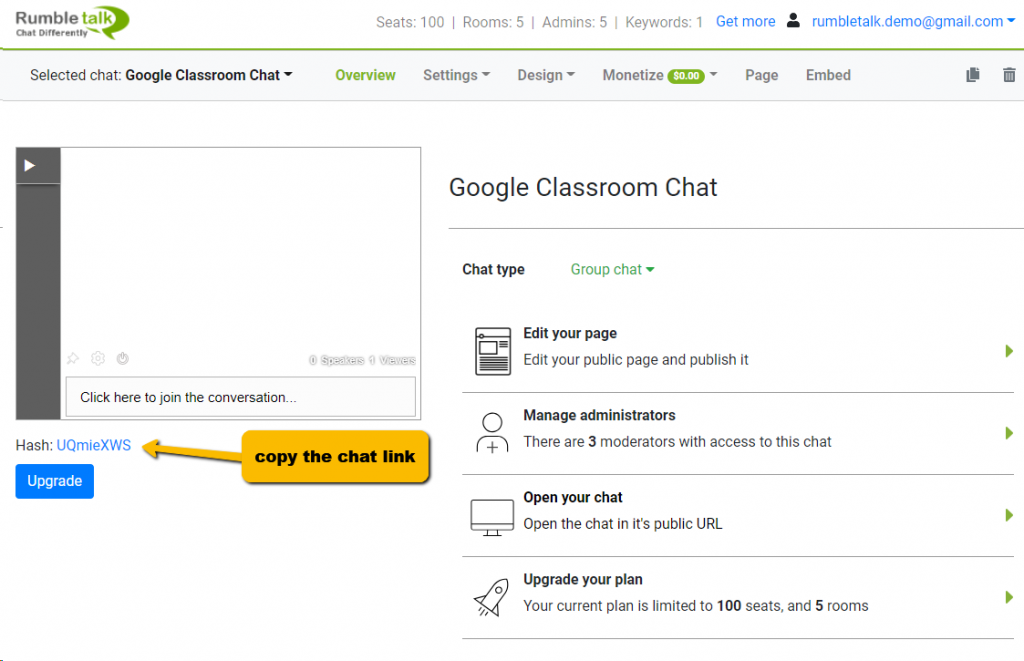
3. Let your student know that you already have a Classroom Chat. Just share the URL link to your Google Classroom Stream.
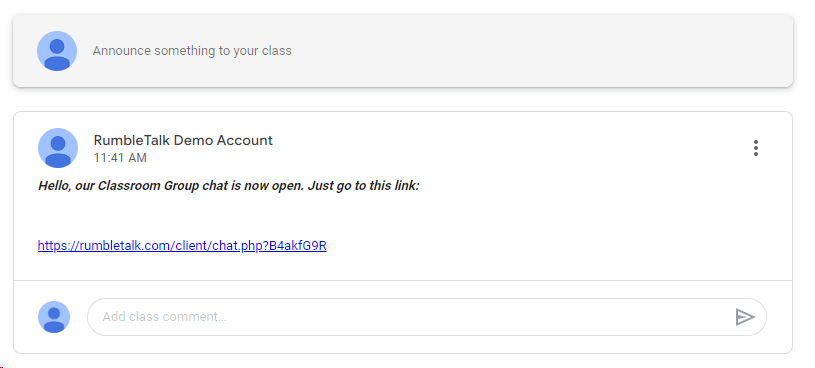
That’s it! Anyone can open your Google Classroom chat.
Type of Setup for your Google Classroom RumbleTalk Group Chat
Standard Classroom Group Chat (Group Chat)
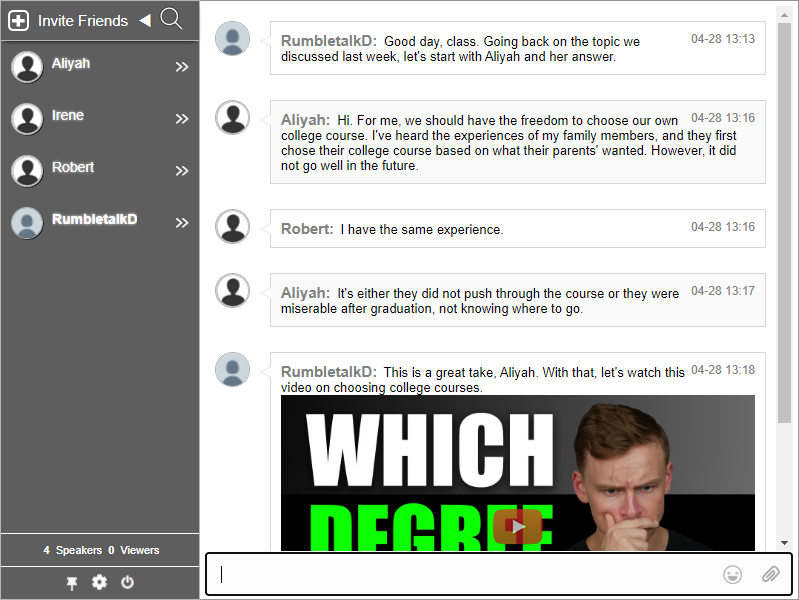
- Allows your whole class to interact with one another in a virtual classroom setting.
- Choose how Private one-on-one chat conversation will take place:
- Where students/anyone can chat with one another
- Students can only send private one-on-one chats to the Teacher
Question and Answer (Moderated Chat)
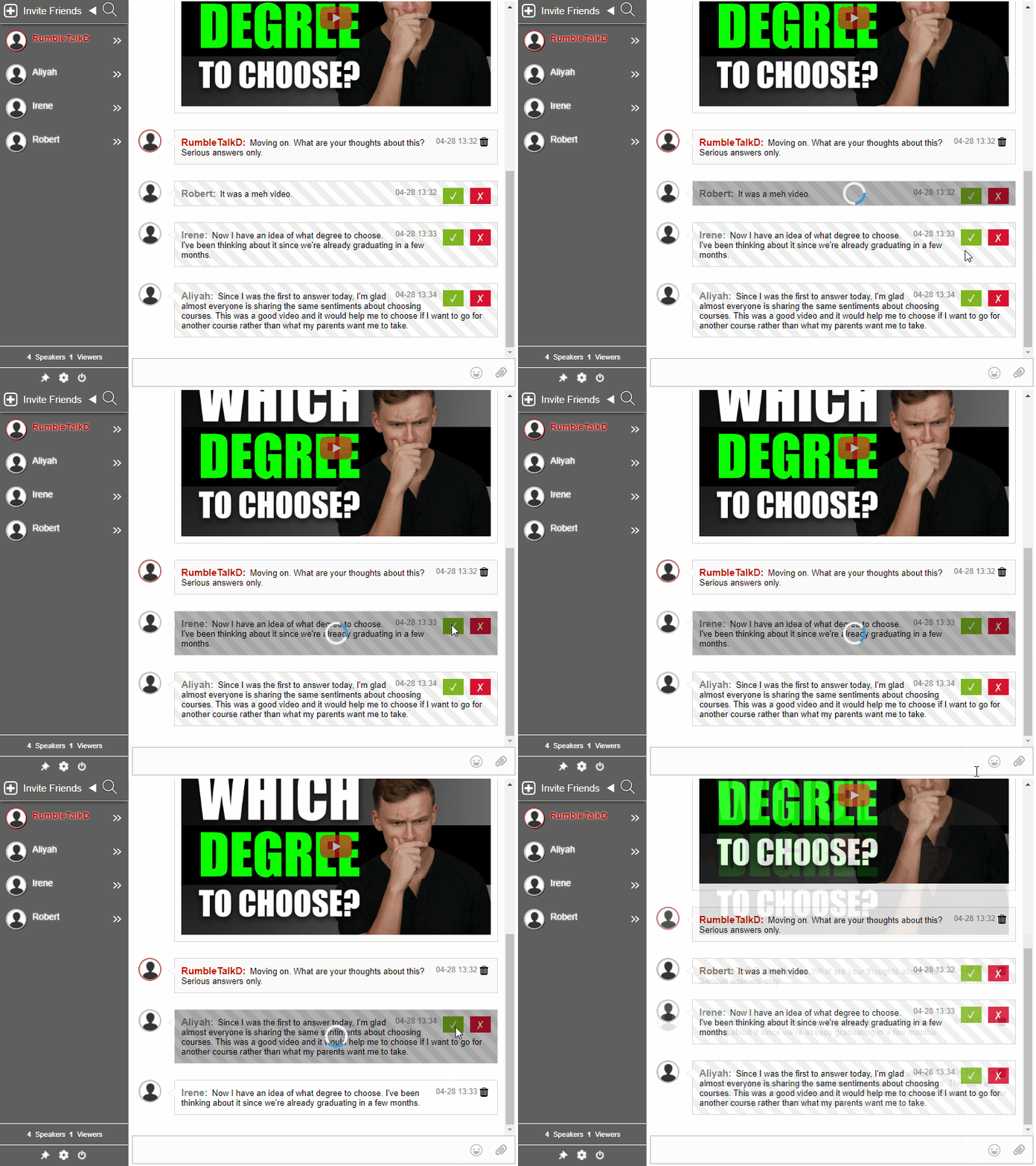
- Choose to approve or reject messages sent by the students during discussion.
Private student-teacher consultations (Experts Chat)
- You can disable the standard Group chat discussion, and set the chat where students can only talk to the teacher.
- Students will not see active students in the user’s list as it is automatically disabled. Only the teacher can see and reply to students’ queries.
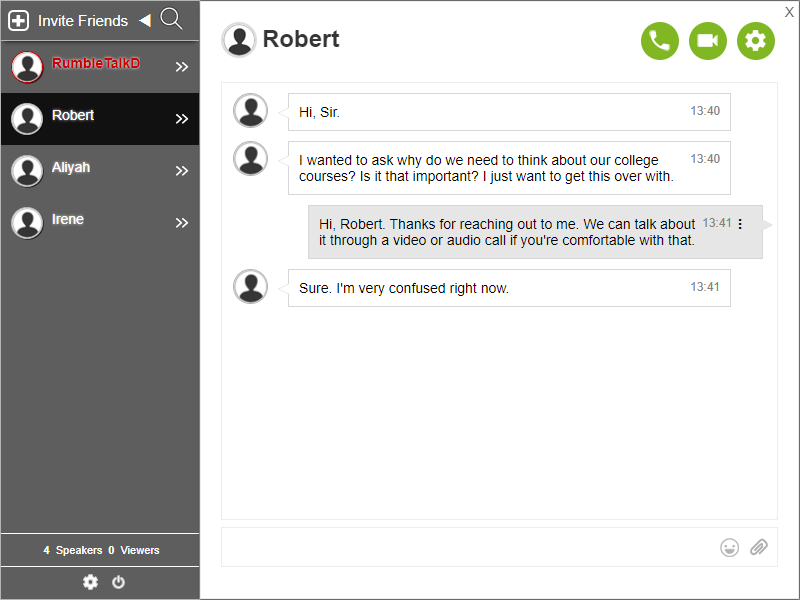
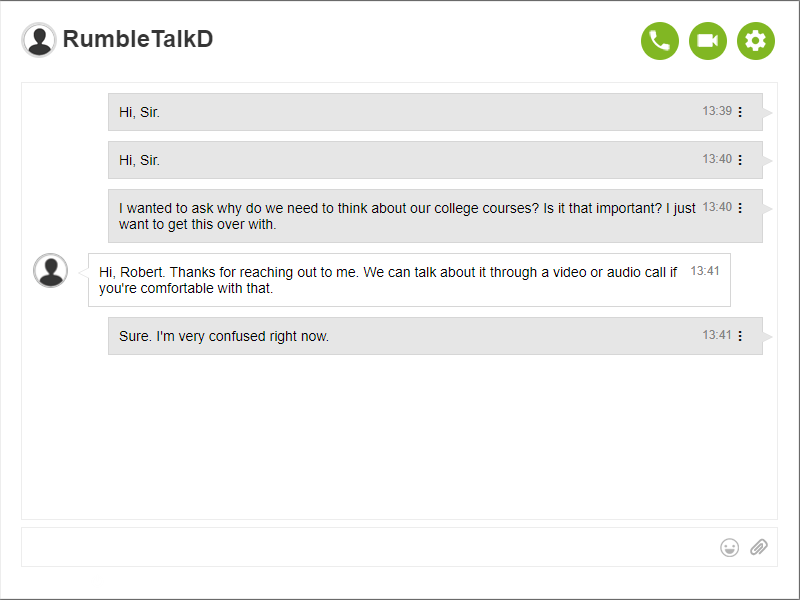
- Video/Audio call feature is available, and this does not require anyone to install any application on their device.
Features and Functions
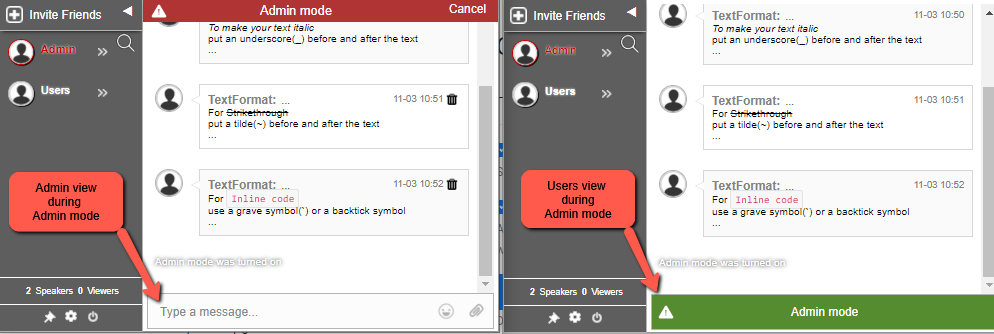
Mute everyone in the chat (Admin Mode) Video link: Admin mode in RumbleTalk group chat
Having a handful of students sending too many chat conversations can be a distraction. As an educator, you can choose to mute your students all at once. This is helpful if you want to keep the spotlight on your class topic or presentation.
Turn words into links with Keywords Video link: InText Keywords in a Chat Room
Keywords (InTEXT) identify specific words and dynamically turn them into links that will lead you to any webpage, online documents, PowerPoint presentations, Excel spreadsheets, PDFs, videos, and affiliate links. This is very useful in an online classroom setting such as Google Classroom because educators can link their students to review materials they can use for the class.
Play YouTube videos directly in the chat Video link: How to add a YouTube video to your RumbleTalk chat?
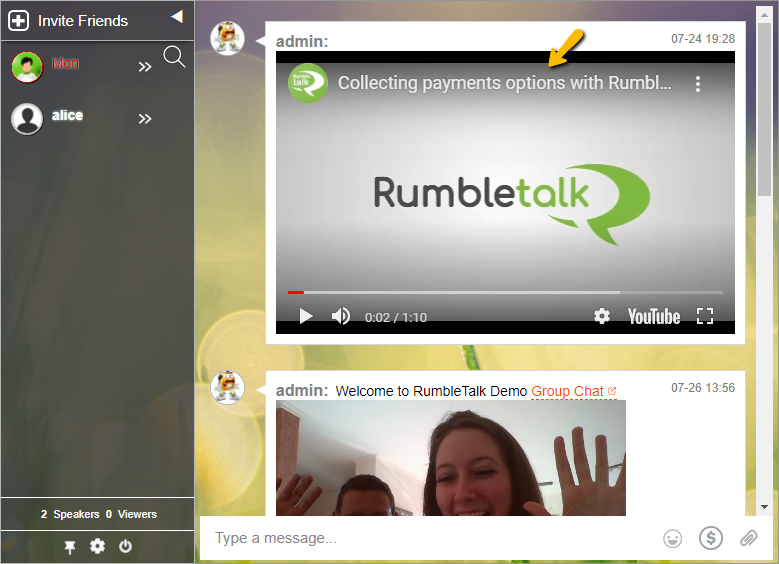
Unlike other chat platforms, RumbleTalk allows you to embed the YouTube video in the chat room. With this, users can play YouTube videos directly in the chat room, no need to open them in a new tab. Users can enjoy watching the same video while discussing it. Just copy the URL of the Youtube video or Vimeo videos you want to share, and then paste and send it into the chat.
Online classes will greatly benefit from this because teachers and students won’t need to open a new tab just to watch the same video. This helps both parties learn more about one thing – such as when it comes to those who are visual learners. It also reduces distractions since they don’t need to switch tabs or screens while studying
Multimedia Sharing: Send Files & Images Video link: How to attach different file types in a RumbleTalk chat?
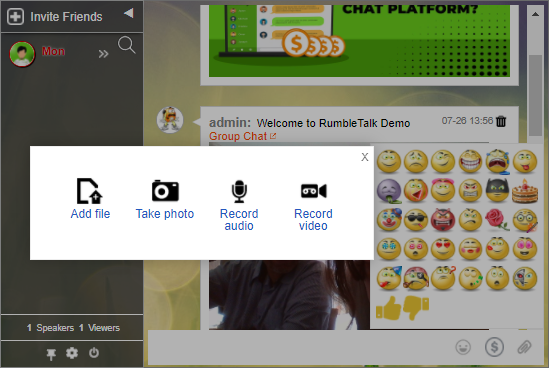
Add color to every topic by sharing any type of file, image, and video to the group chat. Using RumbleTalk’s file-sharing tool, educators can just click the paperclip icon at the bottom of the chat window and choose the file they want to share with the class. By doing this, students will have easy access to all the files shared in the group chat, and they will be able to view and download them, even when using their smartphones. This allows for more efficient, interactive conversations with everything you need in one virtual space.
Enhance every online learning experience through Google Classroom and RumbleTalk Chat
As technology continues to change the ways we interact with one another, education professionals are now expected to have the best in remote learning tools. With RumbleTalk Group Chat, educators can now use Google Classroom to its fullest potential – benefiting students and teachers alike.