Engaging your audience in online communication is essential for building strong connections, fostering collaboration, and gathering valuable insights. RumbleTalk chat polls provide a powerful tool to make your conversations more interactive and dynamic. By leveraging the chat polls feature, you can generate discussions, gather feedback, and create a memorable and inclusive experience for your audience. In this article, we will explore five creative ways to use chat polls that can take your online communication to the next level.
The Role of Chat Polls in Enhancing Online Communication
Effective communication lies at the heart of every successful interaction. Chat platforms have become integral in facilitating these exchanges, enabling real-time conversations among participants. However, one element that has emerged as a pivotal tool for enhancing online communication is the use of chat polls.
Chat polls play a multifaceted role in elevating the quality and dynamics of online conversations. Their significance is underscored by several key factors supported by research and practical application.
Ice Breakers and Audience Engagement

The cornerstone of any fruitful online conversation is active engagement. Research shows that chat polls serve as an interactive icebreaker, sparking engagement and encouraging active participation among users. Poll questions, carefully crafted to align with the context of the discussion, intrigue participants and prompt them to share their thoughts. This not only drives interaction but also creates a sense of inclusivity within the online community.
Starting a conversation can sometimes be challenging, especially in virtual environments. Online chat polls offer a fun and interactive way to break the ice and engage your audience right from the start. Begin your chat session by asking a thought-provoking or light-hearted question through a poll. For example, if you’re hosting a webinar, you can ask participants to vote on their favorite movie or share an interesting fact about themselves. This approach encourages participation and also creates a sense of community and connection among participants.
Gathering Feedback and Opinions
In the age of data-driven decision-making, understanding user preferences and opinions is essential. Chat polls provide a platform to gather real-time feedback. Research conducted in various sectors, from e-commerce to education, shows that leveraging polls for market research, feedback collection, or even gauging customer preferences empowers organizations to align their offerings more effectively with user expectations.
When you want to collect feedback or opinions from your audience quickly, chat polls can be your go-to tool. Instead of lengthy discussions or overwhelming surveys, you can use polls to gather instant feedback on specific topics. For instance, if you’re conducting a training session, ask participants to vote on their preferred learning format or the topics they would like to explore further. Moreover, this allows you to tailor your content and meet the needs and expectations of your audience more effectively.
Interactive Quizzes and Trivia Games
Everyone loves a good quiz or trivia game, and polls can help you create an interactive experience for your audience. Design informative and entertaining quizzes related to your topic and present them as poll questions. Participants can vote for their chosen answers, and you can reveal the correct responses and scores as the game progresses. This not only adds an element of fun and competition but also helps reinforce key concepts and engage participants memorably.
Gamification strategies, such as quizzes or contests, have been recognized for their ability to enhance user engagement. Statistics from Forbes suggest that companies using gamification techniques increase engagement by 47%. By setting up polls as contests, users are not only motivated to participate actively but also to compete in a friendly and enjoyable manner.
Decision-Making in Real-Time
In group settings or collaborative workspaces, swift and informed decision-making is crucial. Chat polls can function as instruments for making decisions in real-time. Research has demonstrated that polls allow participants to cast votes and collectively decide on critical matters. For example, a report by Zapier highlights that 58% of remote teams struggle with effective communication. This not only accelerates the decision-making process but also strengthens the sense of inclusiveness and teamwork.
RumbleTalk chat polls offer a convenient way to involve your audience in decision-making, especially when time is of the essence. Whether you’re organizing a virtual meeting or planning a live event, you can use polls to gather instant feedback and help make informed decisions. For example, if you’re a project manager discussing potential project names or selecting session topics for a conference, then create a poll and let your audience vote. This not only empowers your audience to contribute but also creates a sense of ownership and inclusivity in the decision-making process.
Exploring Trends and Opinions
Understanding trends and gaining insights into public opinion is important for many businesses and organizations. Polls can serve as a valuable tool for conducting quick surveys and gathering data. For instance, if you’re a marketing professional exploring consumer preferences or seeking opinions on industry trends, create polls that allow participants to vote on their preferences or share their insights. In turn, this helps you gather valuable data and make data-driven decisions while engaging your audience in the process.
Real-world Data: The Impact of RumbleTalk Chat Polls
A. Boosting Audience Engagement
Case Study: Virtual Event Success
- An online event leveraging RumbleTalk chat polls reported a staggering 88% increase in audience engagement compared to the previous year when polls were not used.
- Interactive polls encouraged participants to actively contribute to the discussions and 91% of attendees stayed until the end of the event, creating a vibrant online environment.
B. Community Building
Case Study: Online Learning
- The Education Ministry integrated RumbleTalk chat polls into their virtual classrooms.
- Polls initiated discussions and allowed learners to share opinions, resulting in a 75% increase in engagement and interaction.
Actionable Insights for Optimizing Online Conversations using RumbleTalk Chat Polls
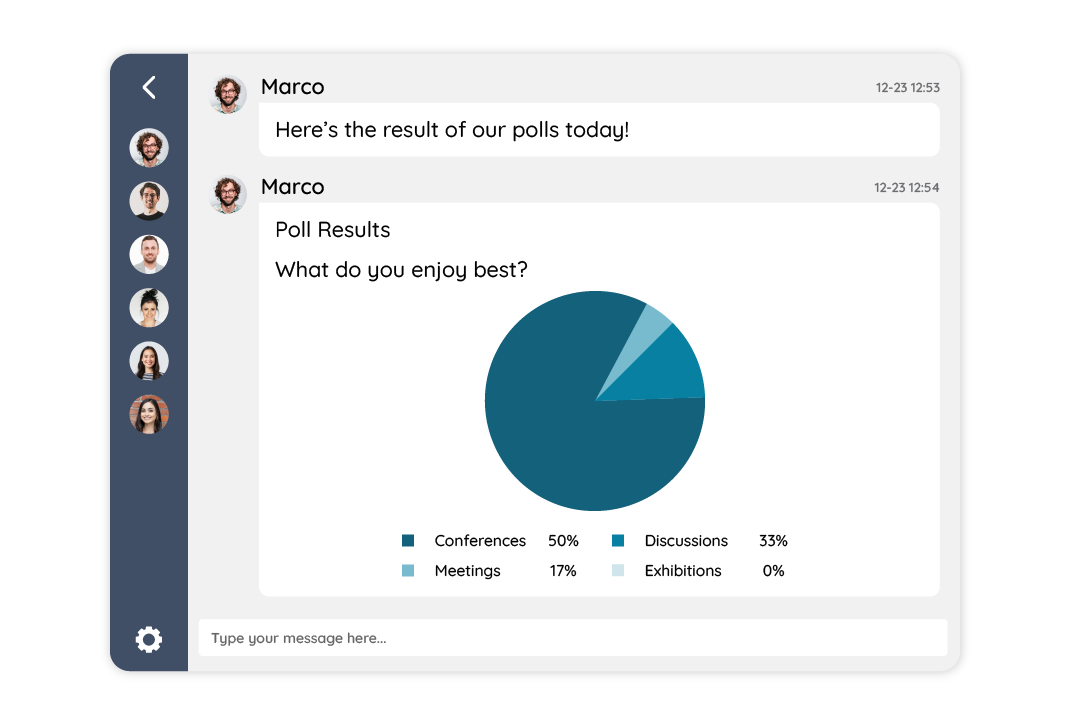
Now that we’ve explored the multifaceted role of RumbleTalk chat polls in enhancing online communication and backed it with real-world statistics, it’s time to discuss how to maximize the benefits. Here are some actionable insights:
A. Craft Engaging Poll Questions
- Tailor poll questions to the context of your conversation.
- Encourage users to share their thoughts and opinions.
- Use polls as icebreakers to initiate discussions effectively.
B. Gauging User Feedback
- Act on the feedback collected through polls.
- Make adjustments to your products, services, or event based on user preferences.
- Demonstrate to your audience that their feedback matters.
C. Facilitate Decision-making
- Use polls to streamline decision-making processes.
- Collaboratively decide on key matters in real-time.
- Ensure that decisions are based on collective preferences.
D. Gamify Your Chats
- Experiment with gamification techniques using polls.
- Create contests and competitions to engage your users.
- Reward active participants to encourage further engagement.
E. Measure the Impact
- Monitor the engagement and interaction levels in your chats.
- Track the impact of polls on decision-making and user participation.
- Continuously refine your poll strategies for better results.
Make Your Conversations More Engaging with RumbleTalk Chat Polls
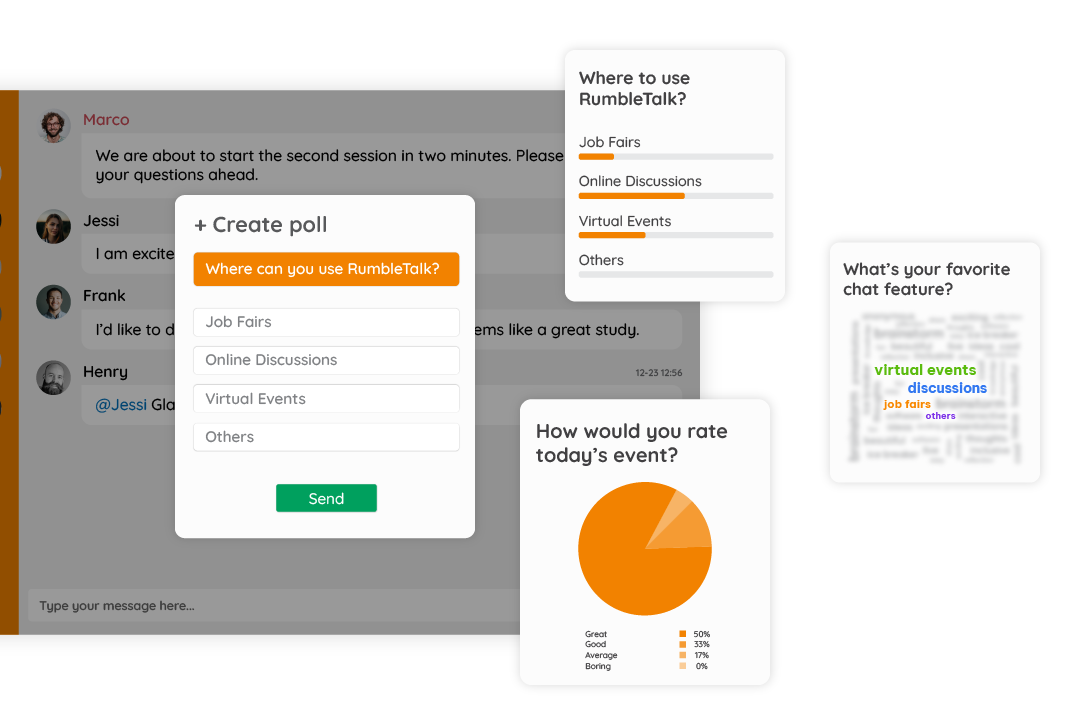
RumbleTalk chat polls provide a versatile and powerful tool to make your online communication more interactive, engaging, and inclusive. Whether you’re hosting a webinar, conducting a virtual training session, or organizing a virtual event, incorporating chat polls into your conversations can help boost audience participation, gather feedback, and foster a sense of community. So, why not start using chat polls today and unlock the full potential of your online communication efforts?
Have you creatively used the chat polls feature? Share your experiences and ideas and let’s engage in a conversation!