

Professional networking changed dramatically over the past few years. Instead of relying solely on conferences, meetups, or LinkedIn messages, professionals now gather inside chatroom platforms for professional networking, spaces built for real-time conversation, meaningful interactions, and structured community engagement.
In 2025, these platforms have become the backbone of digital collaboration.
They power online membership sites, events, training programs, job communities, and expert-led spaces.
But why are they growing so quickly?
What makes them better than traditional networking channels?
And what technical features allow them to integrate smoothly into existing platforms?
This article breaks down how Chatroom Platforms for Professional Networking evolved into an essential tool for modern digital communities and how organizations use SDKs and REST APIs to build seamless, professional-grade networking experiences.
Why Chatroom Platforms are Surging in 2025
The need for continuous, lightweight communication changed how professionals expect to network. Instead of sending cold messages or waiting for annual events, they want fast interactions that:
- Feel natural
- Build trust
- Create opportunities
- Encourage ongoing collaboration
Chatroom Platforms for Professional Networking provide this environment. They combine real-time messaging with structured group spaces, private channels, and role-based visibility—something social networks can’t deliver.
Key reasons for the rise:
1. Hybrid work made real-time communication essential
Teams, freelancers, and communities need spontaneous conversation—not only scheduled meetings.
2. Professional communities became niche and specialized
Every field now has micro-communities: AI researchers, HR leaders, design groups, niche investor communities, etc.
3. Online events require instant networking
Chatrooms next to livestreams create the “hallway conversation” effect that events used to rely on.
4. Professionals want smaller, safer spaces
Public social networks are noisy. Chatrooms allow for focused, curated interactions among verified members.
Where Chatroom Platforms are Used Today
Chatrooms now appear inside all types of online environments. Below are the most common use cases.
1. Membership Websites
Coaches, educators, and industry experts embed Chatroom Platforms for Professional Networking to:
- Maintain daily touchpoints
- Increase retention
- Build peer-to-peer conversations
- Support members with live Q&A
- Create tier-based access (free vs VIP rooms)
Because members log in daily, the chat becomes the heart of community activity.
2. Virtual & Hybrid Events
Events rely heavily on live interaction. Chatrooms allow attendees to:
- Ask questions during keynotes
- Meet other professionals
- Join breakout sessions
- Continue discussions after a session ends
Networking is what attendees value most and chatrooms make it immediate.
3. Professional Associations & Industry Communities
Associations use Chatroom Platforms for Professional Networking to replace outdated forums or email lists.
They enable:
- Quick resource sharing
- Best-practice discussions
- Peer feedback
- Mentorship channels
- Topic-specific rooms
Members participate more when the communication is fast and friction-free.
4. Online Schools & Corporate Training
Educational platforms use chatrooms to:
- Host study groups
- Provide tutor support
- Create peer accountability clusters
- Run instructor-led office hours
- Support junior vs advanced groups
Chat helps increase completion rates and keeps students engaged.
5. Recruitment & Job-Related Platforms
Instead of posting job listings into a void, communities use chat to:
- Run “jobs only” rooms
- Connect candidates directly with hiring managers
- Offer feedback channels
- Host career discussions
A real-time environment increases hiring efficiency dramatically.
What Modern Chatroom Platforms for Professional Networking Look Like
These platforms evolved far beyond a simple chat box. In 2025, they include:
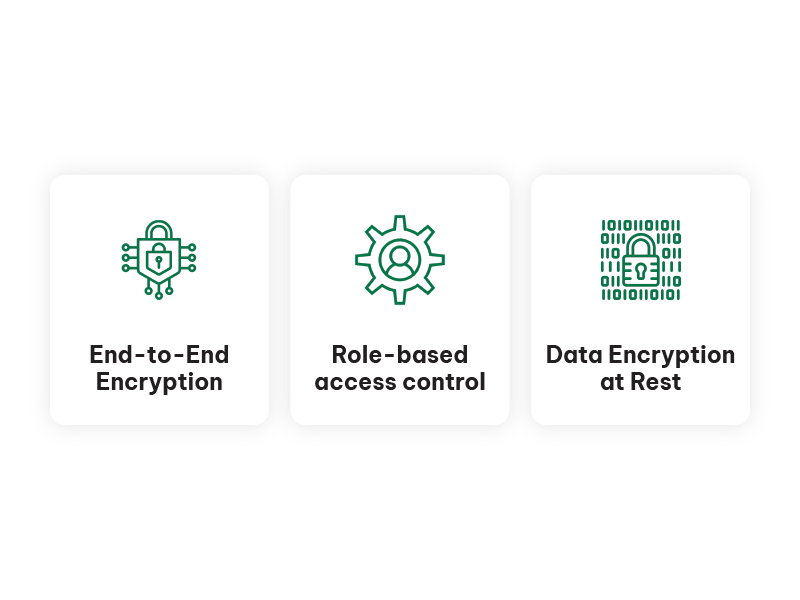
Role-Based Access
Assign permissions to:
- Admins
- Moderators
- VIPs
- Paid members
- Event speakers
- Guests
Everyone sees the rooms relevant to them.
Multiple Room Types
A platform typically uses:
- Main Lobby
- Topic-specific rooms
- Q&A rooms
- Private 1:1 channels
- Expert-only areas
- Breakout session rooms
Moderation Controls
Professionally oriented chatrooms include:
- Message approval systems
- Mute options
- Spam filtering
- Exportable logs
- IP blocking
- Moderation dashboards
Networking Tools
Some add:
- User profiles
- Direct messages
- Mentioning/tagging
- Reactions
- File sharing
These features help replicate conference-style networking.
Technical Corner: Integrating Chatroom Platforms for Professional Networking
Professional environments require seamless access. Members shouldn’t log in twice, switch apps, or create new accounts.
Two main integration methods dominate 2025: SDK-based auto login and REST API automation.
1. SDK Integration for Auto-Login
This is the most important capability for membership websites, intranets, and subscription-based platforms.
How it works:
- A user logs into your website.
- The SDK sends their user ID, role, and name to the chat.
- The chat opens instantly with the correct permissions.
No second login.
No extra username.
Passwords stored in the right place.
SDK auto-login benefits:
- Aligns chat identity with platform identity
- Prevents unauthorized access
- Ensures moderator tools map correctly to user roles
- Feels fully native to the website
- Reduces friction and boosts activity
For high-trust communities, this is essential.
2. REST API for Chatroom Automation
Developers use REST API when they need deep control over the chat structure.
What you can automate with REST API:
- Creating new chatrooms
- Deleting old rooms
- Assigning roles automatically
- Adding users to private groups
- Changing design & themes programmatically
- Resetting chat histories between cohorts
- Generating time-limited access tokens
This is perfect for:
- Event platforms spinning up rooms per session
- Online academies with monthly batches
- Agencies building managed communities for clients
- SaaS systems where each customer receives a separate room
REST API saves hours of manual work and ensures consistency.
3. Branding & Design Customization
Professional networking platforms must look cohesive. Developers usually apply:
- CSS overrides
- White-labeling
- Brand colors
- Custom fonts
- Positioned chat layouts (sidebar, pop-up, embed block, mobile dock)
The goal is to make the chat feel like an integrated part of the professional platform—not a third-party widget.
Why Chatroom Platforms for Professional Networking Outperform Social Networks
Professionals still use social networks for visibility, but not for deep communication. Chatrooms offer advantages that social networks simply cannot match.
1. Real conversations, not polished posts
Chatrooms encourage quick, natural exchange.
2. Immediate feedback
Ask, then get answers in minutes.
3. Curated audiences
Members share an industry, a course, an event, or a goal.
4. Private, controlled environment
No ads, no random comments, no algorithmic noise.
5. Structured discussion
Rooms make it easy to keep conversations relevant without losing focus.
How Professionals Build Momentum Using Chatroom Platforms
Here are common behaviors emerging across global professional communities:
Daily Micro-Networking
People check in briefly throughout the day:
- Sharing insights
- Posting job openings
- Offering feedback
- Asking for recommendations
Small interactions accumulate into strong connections.
Expert Office Hours
Industry leaders offer weekly drop-in sessions inside dedicated rooms.
Peer Circles
Small groups form naturally around:
- Career stage
- Specialty
- Interests
These groups are incredibly active inside chatrooms.
Event Icebreakers
Attendees meet each other inside the chat before an event begins.
This increases engagement on the event day.
Business Partnerships
Freelancers, startups, and companies often discover each other inside niche chatrooms and begin working together.
Breakout Rooms: A Core Feature in 2025
Many chatroom platforms for professional networking now include multi-room structures. Communities can:
- Start in a general lobby
- Split into small, focused rooms
- Bring people back to the main room
This mirrors conference halls:
- Keynote room
- Topic lounges
- Sponsor/demo rooms
- Regional rooms
- VIP rooms
Smaller rooms increase participation dramatically.
Chat + Video: The New Networking Standard
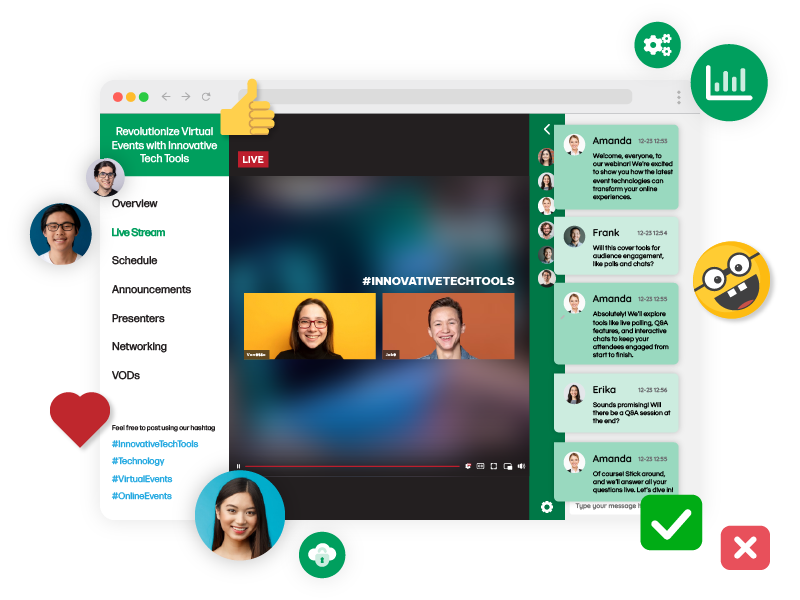
Placing a video broadcast window next to the chat is one of the strongest trends in 2025.
This setup is used for:
- Webinars
- Live workshops
- Panel discussions
- Town hall meetings
- Pitch days
- Product demos
Participants watch while simultaneously interacting with others in the chatroom.
This mimics real-world networking but keeps it digital and accessible.
Security: The Foundation of Trust
Professional communities require strict privacy.
Modern platforms provide:
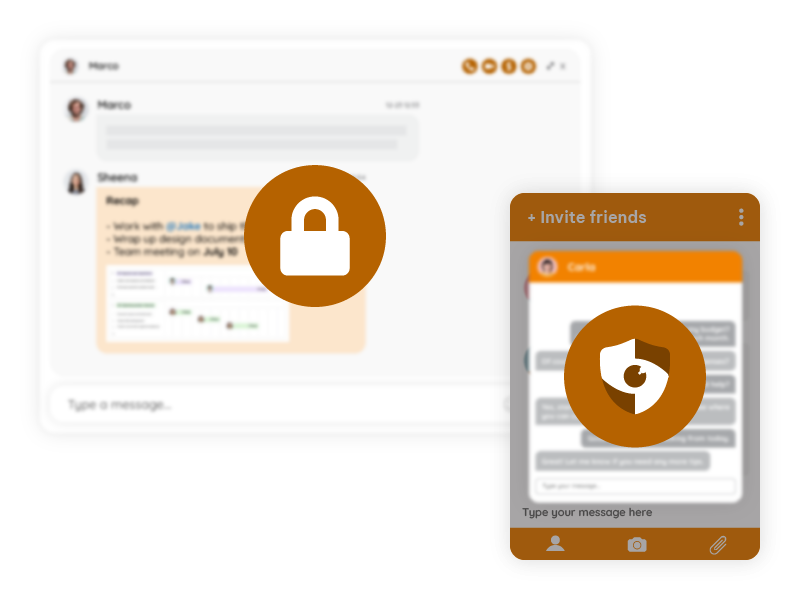
- GDPR compliance
- Secure tokens for login
- Role-based permission layers
- Encryption
- Spam protection
- Moderation logs
Without trust, networking collapses.
Security is what protects the community’s integrity.
2025: The Turning Point
This year changed everything.
Chatroom Platforms for Professional Networking matured enough to become:
- Stable
- Scalable
- Highly customizable
- Easy to integrate
- More structured than social networks
- More private than email groups
- More engaging than forums
They are no longer “extra features.”
They are now core infrastructure for any professional digital ecosystem.
The Future: Networking as a Built-In Layer of Every Platform
We’re entering an era where every professional platform, such as membership sites, online academies, events, and training systems, treats chatrooms as a standard component.
Chatroom Platforms for Professional Networking will be:
- Part of onboarding
- Part of daily engagement
- Part of knowledge sharing
- Part of member retention
- Part of live event experiences
Networking becomes continuous, not occasional.