
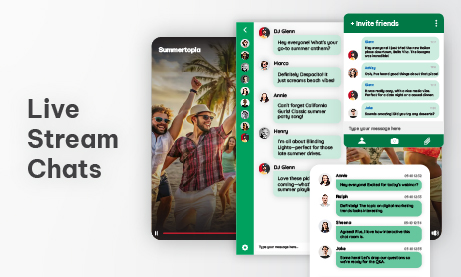
Live streaming has become a core format for online events, education, trading sessions, product launches, and community-driven platforms. What started as “just add a video” has evolved into something far more interactive. Viewers no longer want to watch silently. They expect to participate, ask questions, react, and feel that they’re part of a shared moment.
That expectation is exactly why live stream chats matter.
But as audiences grow, a single chat room quickly reaches its limits. Messages fly by too fast, important questions get lost, moderators struggle to keep up, and meaningful interaction fades into noise. At scale, one crowded chat does more harm than good.
This article explains a more practical way to scale live stream chats: using multiple chat rooms placed on separate pages, each designed for a specific purpose, instead of forcing everything into one overwhelming conversation.
We’ll focus on real-world usage, clear structure, and how REST APIs can be used to create and manage chat rooms remotely as part of a scalable live streaming workflow.
Why one crowded live stream chat stops working
A single chat room works well when:
- The audience is small
- The stream is informal
- Moderation requirements are minimal
Once attendance grows, predictable problems appear.
Common issues with one large chat
- Messages scroll too fast to read
- Hosts miss valuable questions
- Users repeat themselves to get noticed
- Moderators are overwhelmed
- Serious discussion is replaced by noise
At this point, the chat no longer supports the live stream. It becomes a distraction.
Many platforms react by disabling chat features, slowing message rates, or locking chat entirely. That reduces noise, but it also removes engagement. A better approach is structuring conversations instead of suppressing them.
What “multiple chat rooms” really means in practice
Using multiple chat rooms does not mean users jump between rooms inside the same interface. In practice, each chat room lives on its own dedicated page.
Each page:
- Embeds the same live stream
- Includes one specific chat room
- Serves a clear conversational purpose
The rooms are separate by design, not tabs within one chat.
One live stream, multiple pages
Think of the live stream as the anchor. Around it, you create different pages, each pairing the stream with a specific chat experience.
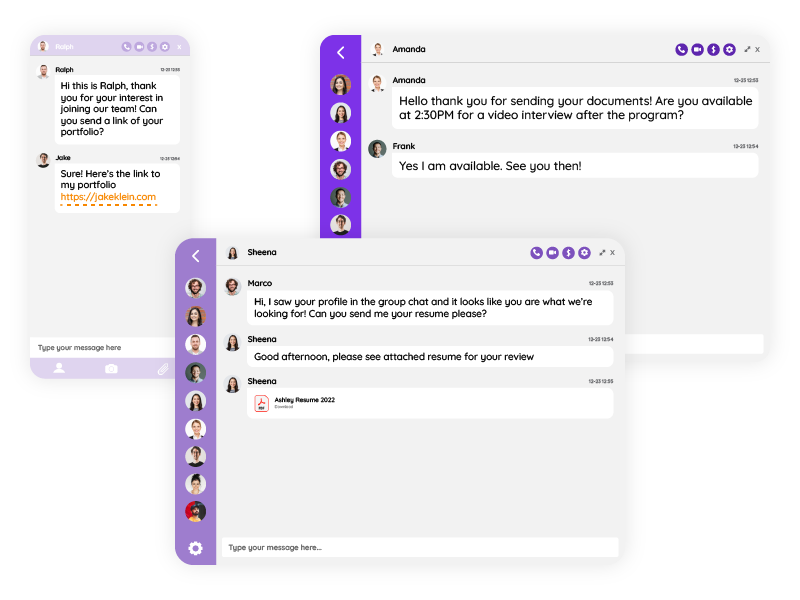
For example:
- A main event page with a general live chat
- A Q&A page focused only on questions
- A discussion page for deeper conversations
- A support page for technical issues
The video stays the same. The chat changes based on intent.
Why separate pages scale better than one chat
1. Conversations slow down naturally
By spreading users across different pages, message volume per chat drops immediately. This makes conversations readable again without artificial limits.
People are more willing to participate when they feel their message has a chance to be seen.
2. Purpose replaces chaos
When a page is clearly labeled “Q&A” or “Discussion,” users adjust their behavior automatically. You don’t need heavy moderation rules. Context does the work.
This is much harder to achieve inside a single crowded chat window.
3. Moderation becomes manageable
Moderators can focus on:
- One type of interaction per page
- One chat room at a time
- Clear expectations per audience segment
Instead of fighting message floods, moderators guide conversations.
Common multi-page chat structures for live streams
There’s no universal setup, but some patterns work especially well.
The Main Page + Q&A Page model
This is one of the most effective structures.
Main live stream page
- Embedded video
- General live chat
- Reactions, short comments, community vibe
Q&A page
- Same video embedded
- Separate chat room
- Questions only, slower pace
Hosts can monitor the Q&A page without distractions while still allowing free conversation elsewhere.
The Stage + Discussion Pages model
Inspired by physical events.
- Main stage page
Stream + announcement-style chat - Discussion pages
Same stream + topic-focused chats
This works well for:
- Conferences
- Workshops
- Educational programs
- Community events
Each discussion page becomes a focused space instead of a noisy thread.
The Public Page + Members Page model
Another powerful pattern uses access control.
- Public page
Stream + limited chat (or read-only) - Members-only page
Stream + full discussion chat
The conversation stays meaningful for members without excluding the broader audience from watching the stream.
When to move from one chat to multiple pages
You don’t need multiple chat rooms from day one. But certain signals indicate it’s time.
Clear signs you’ve outgrown a single chat
- Important questions are regularly missed
- Moderators feel stressed or reactive
- Users complain that chat is “too fast”
- Engagement drops despite high viewer count
- The same messages appear repeatedly
At this stage, adding pages with dedicated chat rooms simplifies things instead of adding complexity.
How this structure improves engagement
Engagement is not about how many messages appear. It’s about how meaningful those messages are.
Smaller rooms feel safer to speak in
When users land on a page with a clear purpose:
- They know what kind of message belongs there
- They’re more likely to participate
- They expect a response
This leads to higher-quality interaction and longer attention spans.
Viewers self-select their experience
Some users want to chat casually. Others want serious discussion. Some only want answers.
Multiple pages let users choose their experience instead of forcing everyone into the same stream of messages.
Hosting live stream chats with multiple chat pages
From the host’s perspective, this setup is often simpler.
A practical hosting flow
- Present the main stream page as the default entry point
- Share links to the Q&A or discussion pages during the stream
- Ask moderators to watch specific pages
- Pull selected questions from the Q&A page into the live discussion
This mirrors how real-life events work, where questions are collected separately from general audience chatter.
Moderation advantages of page-based chat rooms
Moderation scales much better when chats are separated by page.
Why moderators prefer this approach
- Lower message volume per room
- Clear rules per page
- Faster response times
- Less need for aggressive filtering
Moderators can be assigned per page:
- One watches the main chat
- Another focuses on Q&A
- Another handles support
This division of responsibility reduces burnout and improves response quality.
Using the same live stream on multiple pages
Technically, this approach is straightforward.
One video, reused everywhere
The live stream embed remains identical across pages:
- Same player
- Same broadcast
- Same timing
Only the chat room changes per page.
This allows you to scale conversations without duplicating or fragmenting the video experience.
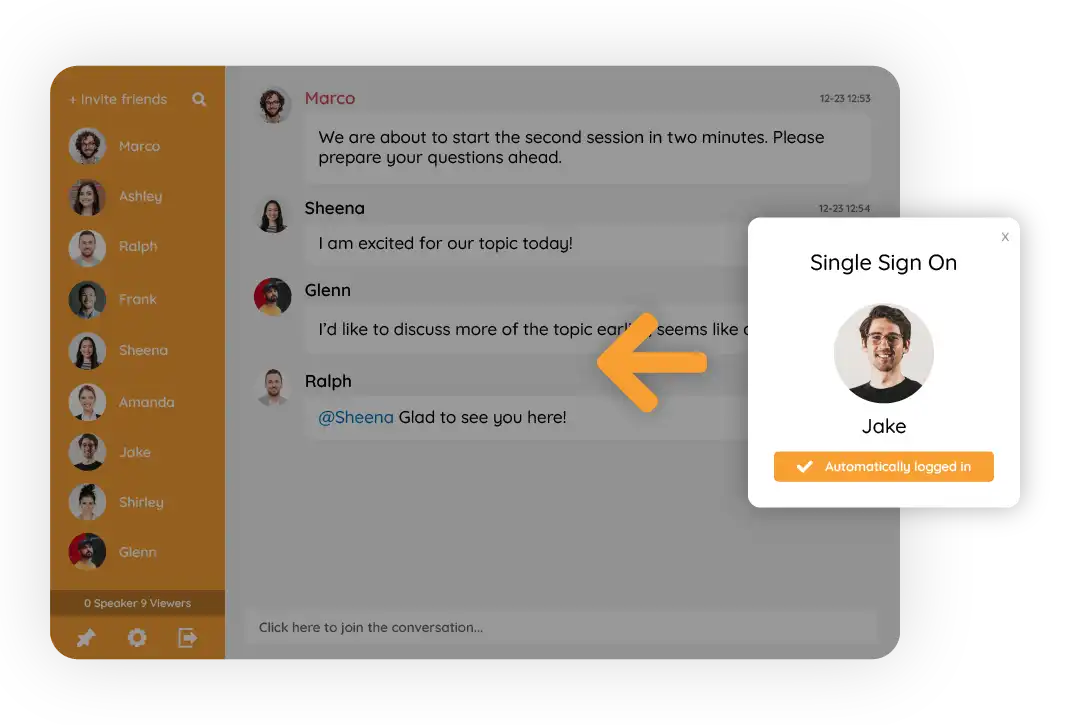
Identity consistency across pages
When users move between pages, identity becomes critical.
Why identity matters even more with multiple pages
- Users may ask a question on one page and comment on another
- Moderators need to recognize users across rooms
- Trust and continuity depend on consistent names and roles
When identity is unified, the experience feels like one event, not scattered pages.
Design considerations for multi-page live stream chats
Each page should feel familiar but purposeful.
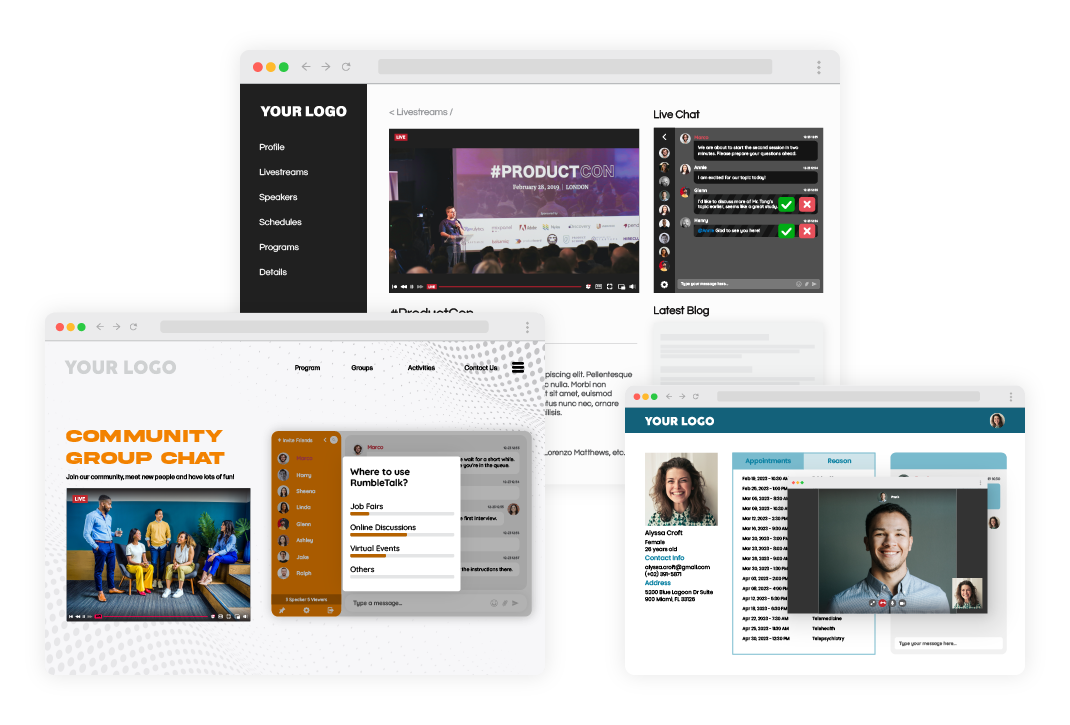
Design principles that work well
- Clear page titles (“Live Q&A”, “Discussion Room”)
- Consistent branding across all pages
- Obvious explanation of what each chat is for
- Mobile-friendly layouts
The goal is orientation. Users should understand immediately:
- Where they are
- What this page is for
- How it relates to the live stream
Common mistakes to avoid
Mistake 1: Creating too many pages
More pages do not always mean better structure. Start with:
- Main chat page
- One additional focused page
Expand only when there’s real demand.
Mistake 2: Unclear page purpose
If a page doesn’t clearly explain its role, users will treat it like a general chat anyway.
Mistake 3: No moderation plan
Even focused chat pages need oversight. Decide roles before the stream starts.
Performance and scalability benefits
Separating chats across pages often improves performance.
Why this works
- Message bursts are smaller
- Moderation actions are quicker
- Users experience less visual overload
- Chats remain responsive during spikes
For large audiences, this can significantly improve perceived stability and quality.
Using REST APIs to create live stream chats remotely
As live stream chats scale or repeat, manual setup becomes inefficient. This is where REST APIs become essential.
Why automate chat room creation
With APIs, you can:
- Create chat rooms programmatically
- Prepare rooms before an event starts
- Apply predefined settings and layouts
- Assign moderators automatically
This removes human error and saves time.
Common REST API use cases
- Creating a new chat room for each live stream episode
- Generating separate rooms for Q&A, discussion, and support pages
- Assigning roles based on your internal user database
- Preparing rooms in advance for scheduled events
Instead of building everything manually in an admin panel, your system handles it automatically.
Example workflow
- An event is created in your platform
- Your backend calls the API to create required chat rooms
- Each room ID is stored and mapped to a specific page
- Pages are published with the correct embed
- Moderators are assigned before the event starts
By the time the first viewer arrives, everything is ready.
Multi-page live stream chats across industries
Education
- Lecture page with general chat
- Q&A page for student questions
- Discussion page for peer interaction
Trading and finance
- Market commentary page
- Trade questions page
- Strategy discussion page
Virtual events
- Main stage page
- Session-specific discussion pages
- Support page for attendees
Membership platforms
- Public stream page
- Members-only discussion page
- VIP interaction page
In all cases, live stream chats become structured spaces, not chaotic message feeds.
Scaling without losing the human element
Physical events have always separated spaces:
- Main halls
- Side rooms
- Help desks
- Discussion areas
Trying to force all interaction into one digital chat ignores how people naturally communicate.
By scaling live stream chats across multiple pages with dedicated rooms, you preserve clarity, improve engagement, and make moderation sustainable.
The stream stays one.
The conversation becomes organized.
And the experience scales without losing its human feel.