How to use a QR code to open your chat in mobile?
When you want to open your chat in mobile, you have two options.
1 – Open it directly as you do in on the web.
2 – You may use a simple QR code scanner for that. Every chat is associated with a special QR that can be found in the chat settings.
In your chat menu, you will see the QR option.
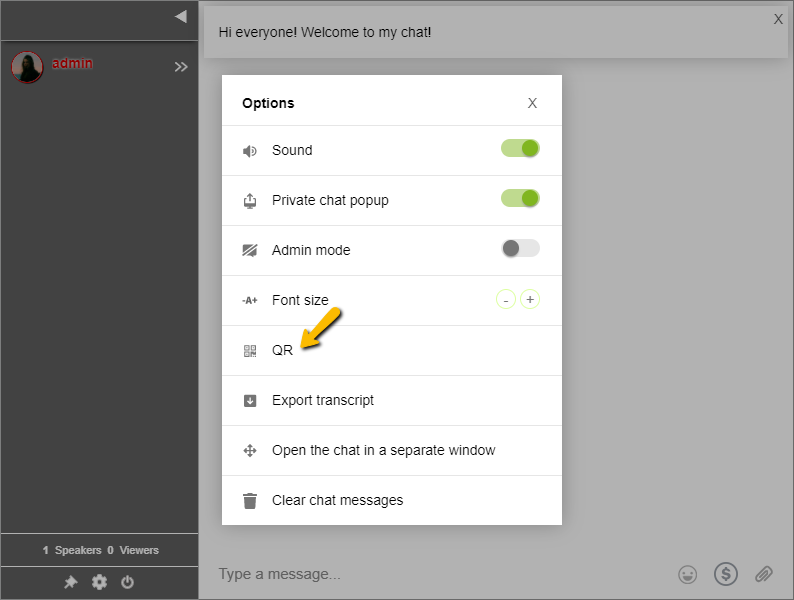
When you click it, it will show the QR code for your chat. Scan it with a QR code scanner app and it will be opened on mobile.
Watch this video and use it as a guide.

Click the QR option in your chat menu, scan the displayed QR code with any QR scanner app, and the chat will open instantly on your mobile device.
The QR code is available directly in your chat menu. Click the QR option to display it on screen.
No special app is needed. Any standard QR code scanner app on a smartphone can be used to scan the RumbleTalk chat QR code.
Yes. You can display or share the QR code so your audience can quickly open and join the chat on their mobile devices.