How Can We Help?
Is there support for exporting data (users, logs, conversations) in bulk for migration?
Yes, there is.
Go to your admin panel. Click Settings > History.
Check the criteria and refresh.
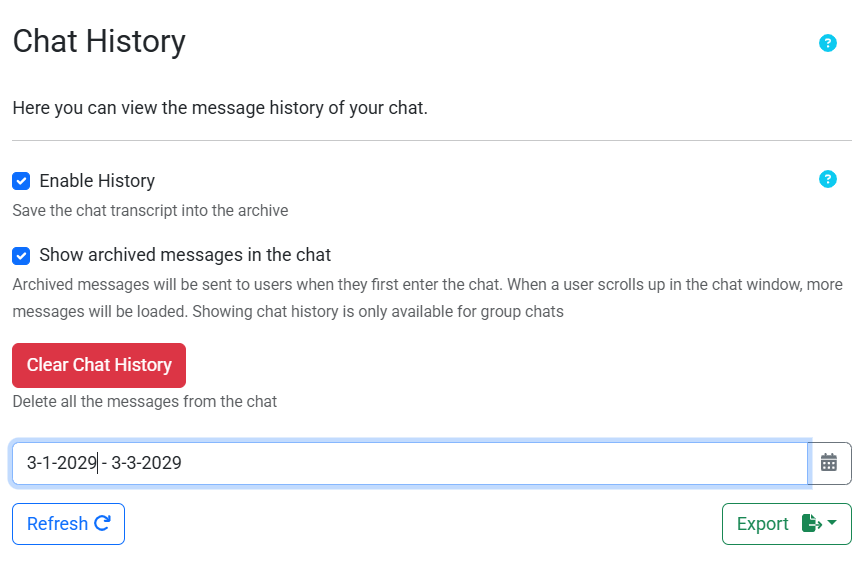
Then, export the data you need.
Does RumbleTalk support bulk data export for migration?
Yes. RumbleTalk supports exporting users, chat logs, and conversation history in bulk from the admin panel under Settings > History.
How do I export chat data in RumbleTalk?
Go to your admin panel, click Settings, then History, and select the data you want to export. The data will be downloaded for use.
What types of data can I export from RumbleTalk?
You can export HTML,DOC, and CSV conversation transcripts from the RumbleTalk admin panel.