How Can We Help?
Are there options for larger fonts or high-contrast themes for visually impaired users?
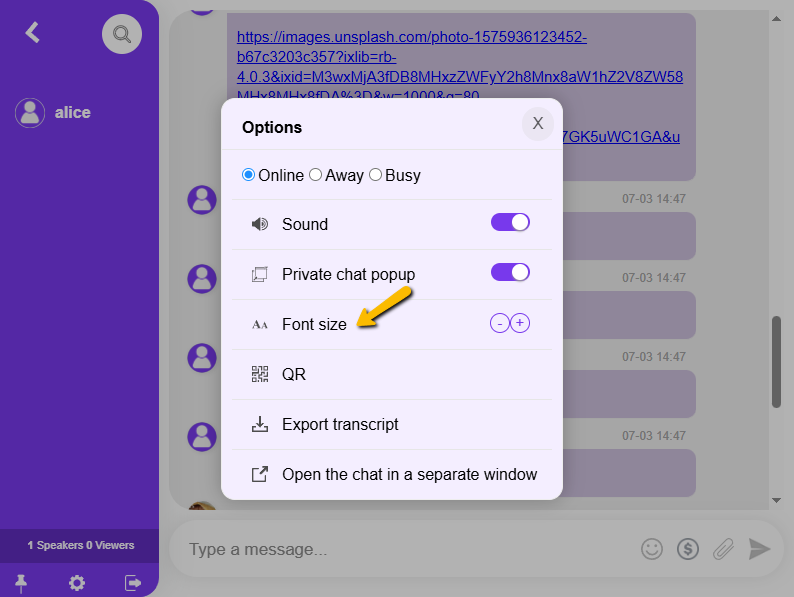
Yes, you can increase the size of your font via the chat room settings.
Can I increase the font size in RumbleTalk chat?
Yes, you can increase the font size directly from the chat room settings panel to improve readability.
Is RumbleTalk accessible for visually impaired users?
RumbleTalk allows users to adjust the font size from within the chat room settings. Custom CSS also enables high-contrast theme designs.
How do I change the font size in the chat?
Click the settings gear icon in the chat room, find the font size option, and adjust it to your preference.
Are high-contrast themes available in RumbleTalk?
RumbleTalk supports custom CSS design, which allows you to create high-contrast themes through the Advanced CSS Design settings in the admin panel.